Google Docs adds feature to compare Word files without conversion
Read more
Olhar Digital
olhardigital.com.br

Google Docs adds feature to compare Word files without conversion

Google Docs has received a new feature that allows for the comparison of documents created in Microsoft Word without needing to convert the files. This addition simplifies the process of detecting discrepancies between different versions of documents, being particularly useful in contexts such as contract analysis.

This new functionality is already available to all users and resolves a previous restriction on using Word files within the Google platform. Previously, although it was possible to upload Microsoft Word documents (.docx) to Google Drive and open them in Google Docs, there was a limitation that prevented the comparison of these documents in their original format.

With this update, Google Docs can compare two files directly, even if one of them remains in Word format. To use this feature, the user simply needs to upload the document to Drive and select it in the document comparison tool, at which point the service displays the differences found between them.

The ability to compare different versions of a contract, for example, without the prior conversion step, can significantly optimize document review. Furthermore, the company is analyzing the feasibility of implementing a similar function for PowerPoint files, suggesting that compatibility with other Microsoft programs may evolve, although there is no confirmation yet regarding the release of this feature.

Similar stories

Amazon Kindle Paperwhite replaces physical books with digital reading
Read more
olhardigital.com.br

Amazon Kindle Paperwhite replaces physical books with digital reading

Although reading on a cell phone or tablet seems practical, the experience on conventional screens can be uncomfortable due to intense brightness, notifications, and application distractions.

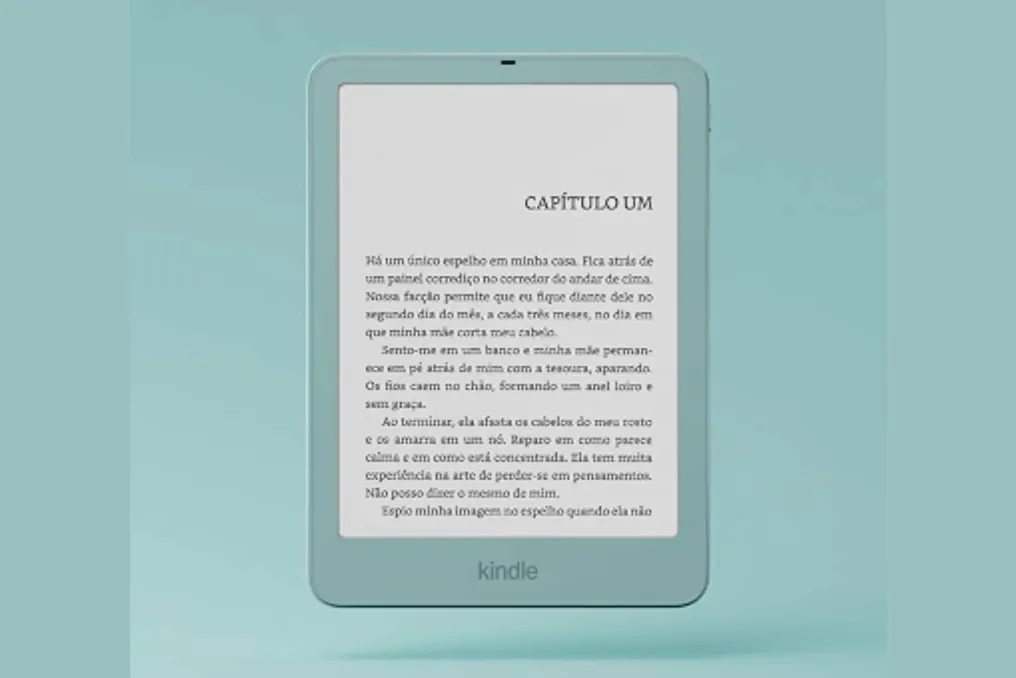
In this context, the Kindle Paperwhite stands out as a device focused exclusively on reading digital books, dispensing with the functionalities of a common tablet and concentrating its features on an experience closer to reading on paper.

The new generation, launched by Amazon in October 2026, features design improvements, a higher contrast screen, and promises to be thinner and lighter than its predecessor. The Kindle Paperwhite with 16 GB and the Kindle Paperwhite Signature Edition with 32 GB are available for purchase.

One of the strengths of the Kindle Paperwhite is its 7-inch screen, which uses e-ink technology, or electronic ink. Unlike cell phone and tablet panels, this technology aims to replicate the appearance of a printed page, resulting in fewer reflections and the absence of the strong luminosity typical of traditional screens.

The resolution of 300 pixels per inch (ppi) ensures that letters remain sharp, even when using smaller fonts. Additionally, the user has the option to modify the size and style of the letters, as well as adjust margins and line spacing.

Another relevant feature is the front lighting with color temperature control. This allows the reader to choose a brighter light during the day or a more yellowish tone at night, optimizing visual comfort in various environments.

Amazon also emphasizes the new screen architecture, designed to provide high contrast, deeper blacks, and greater clarity.

The traditional model of the new Paperwhite comes equipped with 16 GB of internal memory. Although this may seem little to users accustomed to smartphones, this space is sufficient to store thousands of digital works.

Wi-Fi connectivity allows access to the Kindle Store to acquire and download titles directly on the device. Furthermore, compatible documents and files can be sent for reading through Amazon's document sending features.

A notable aspect is that the Kindle does not require a constant internet connection to read downloaded books, allowing the library to be utilized while traveling or in areas without signal.

A major advantage of the Kindle is its exclusive focus on reading; it does not have social media, continuous notifications, or competing applications. This simplicity can be decisive for those seeking to establish a reading habit.

Battery life is another differentiator. According to Amazon, the device can last up to 12 weeks on a single charge, considering specific use such as half an hour of daily reading, Wi-Fi disabled, and lighting at a set level. In practice, this time varies according to usage and settings.

Charging is done via USB-C, a standard that facilitates the use of common cables in other electronics.

Water resistance is a feature that distinguishes the Paperwhite from more basic models in the Kindle line. The device is designed to withstand water contact, allowing reading near pools or in environments where a smartphone or physical book would require more caution, although manufacturer instructions should be followed.

The lighter and thinner design also facilitates transport, allowing the reader to carry the device in a bag or backpack with several books at hand, without needing to carry physical volumes.

Amazon also offers the Signature Edition, a more complete version. While the standard Paperwhite has 16 GB, the Signature Edition offers 32 GB, an aluminum rear finish, automatic front lighting, and charging via a dedicated base. This special version also includes a double-tap feature for turning pages.

However, it is crucial to understand that the Kindle does not aim to replace a tablet. Its screen is primarily optimized for text and grayscale images. Readers accustomed to colorful magazines, comics, or graphic materials may miss a color display.

Navigation is also simpler and less agile than that of a smartphone, which is inherent to e-ink technology, prioritizing reading and low power consumption over videos or animations.

The initial cost must also be considered, which involves purchasing the device and, depending on habits, acquiring the desired e-books, despite the existence of free titles and subscription services.

In summary, the Kindle Paperwhite is a valuable tool for avid readers who have difficulty carrying physical books or maintaining a reading routine. Its 7-inch screen, 300 ppi resolution, adjustable lighting, water resistance, and up to 12 weeks of battery life create a package highly targeted at reading. The main benefit lies in the experience provided: fewer distractions, ease of transport, and freedom to read almost anywhere. For occasional readers, the Kindle mobile app may suffice.
Google implements sidebar on homepage to manage AI conversation history
Read more
tecnoblog.net

Google implements sidebar on homepage to manage AI conversation history

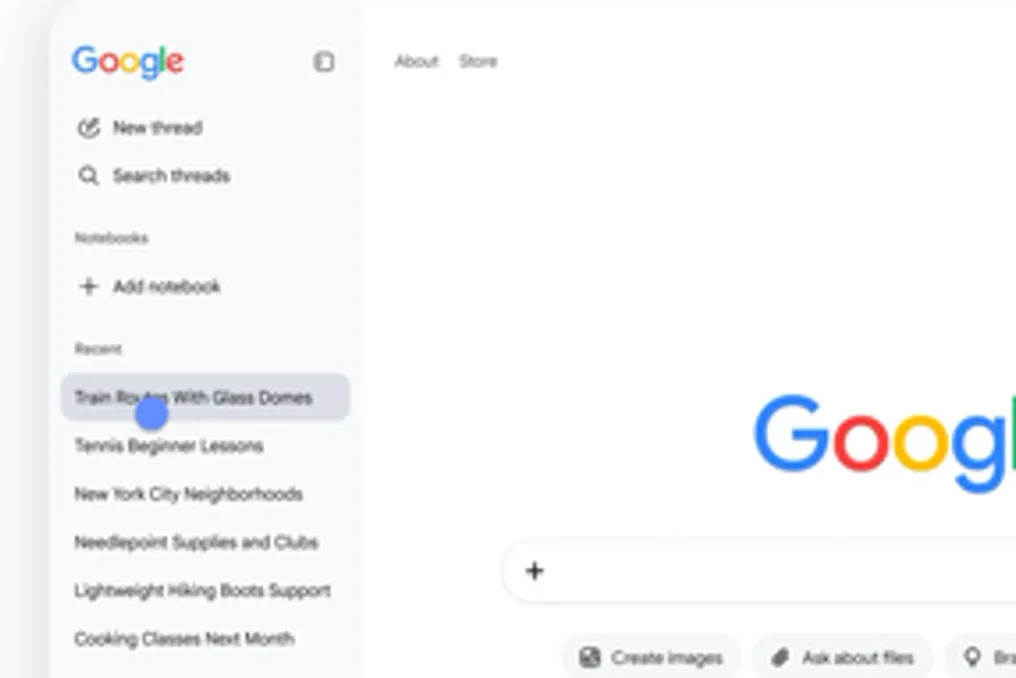
Google has introduced a sidebar on its homepage, designed to give users quick access to past interactions conducted with artificial intelligence. This new feature allows users to resume searches, find previous dialogues, and start new topics using the AI Mode.

The functionality is being rolled out globally and aims to strengthen the integration of AI within the search engine. Google began making this sidebar available to simplify access to previous conversations with artificial intelligence, gathering recent searches made in AI Mode and allowing dialogue continuation without needing to restart every query.

Robby Stein, Vice President of Research, announced this novelty on Thursday (19). He stated that the tool is already globally available in the desktop version and aims to facilitate the continuous maintenance of searches.

By accessing this panel, the user views a list of the most recent conversations generated by AI Mode. Furthermore, the interface provides quick options to start new interactions, search old topics, and link a Gemini Notebook. The sidebar has an option to be minimized to free up space, reverting to the traditional appearance of the search engine.

It is important to note that this feature does not cover the entire Google search history; it serves specifically as a shortcut for conversations conducted in AI Mode, a tool that allows for formulating more elaborate questions. Thus, someone who started an investigation on a specific topic can return to it later, avoiding having to repeat all the initial questions.

This change also brings the main page closer to a typical chatbot experience. Instead of merely functioning as a starting point for web searches, the search engine now offers a dedicated place for organizing and continuing conversations.

This addition is part of a sequence of modifications to the search engine interface. In August, Tecnoblog reported tests with new buttons on the homepage that offered shortcuts to create images, consult documents, and conduct brainstorming sessions with AI support. More recently, the company released the temporary conversations feature, which allows asking questions without the interaction being saved in the history.

With the implementation of this new sidebar, the company bets on providing an experience where the user can start a search, get information, and subsequently return to the discussed subject. Although the global rollout has begun on the desktop environment, Google has not yet specified the timeframe for when the novelty will reach all users.

Microsoft will end support for old Word documents across different operating systems
Read more
tecnoblog.net

Microsoft will end support for old Word documents across different operating systems

Microsoft has announced the discontinuation of support for older Word files in the Windows environment, scheduled to begin this December. This change implies that documents created in editions such as Word 2007 and Word 2010 may exhibit considerable alterations and loss of formatting.

Additionally, support will be suspended on macOS starting in January 2027. The company has not detailed which specific settings will be removed or which exact versions will lose support, recommending that users check their most important files to confirm if Compatibility Mode is active.

To ensure formatting preservation, Microsoft suggests converting these documents to PDF format. The company justifies the end of compatibility tools with the goal of 'offering a more consistent experience across different platforms.'

It is important to note that not all old Word documents will be affected; however, attention should be paid to the file's creation year. In Windows, the Word program itself allows identification of the document's original version. Compatibility Mode is applied to files made in Word 2007 and 2010, while other formats may indicate 'Word 2013 mode' or 'Word 2013-2016 mode.'

If a document is marked with Compatibility Mode, it is possible to verify its origin. Although converting the file to PDF maintains the original layout and information, this format makes all information static, which hinders future edits and updates.

In cases where the content involves texts and tables that require frequent updates, the best alternative is to create a new version of the document to avoid the loss of sensitive data. However, depending on the age of the material, there may not be significant changes, since the company has not yet specified exactly which features Compatibility Mode will lose.

Popular