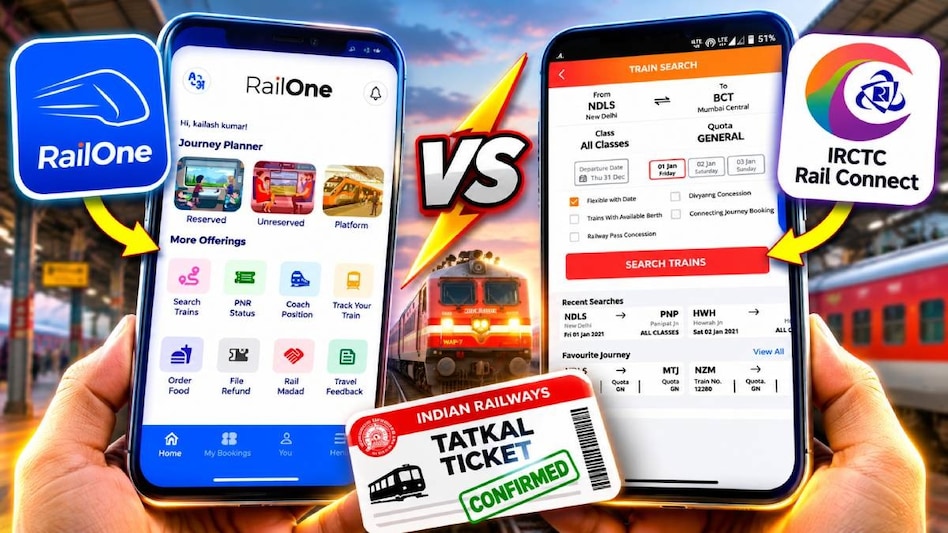
Comparison of RailOne and IRCTC applications for booking last-minute tickets: which is better for quick purchase?
Read more
Aaj Tak
www.aajtak.in

Comparison of RailOne and IRCTC applications for booking last-minute tickets: which is better for quick purchase?

During the holiday season, many people travel home, but sometimes there is a situation where it is impossible to book a return ticket in advance. In such cases, the only option is to purchase a last-minute ticket, but even with last-minute booking, it can be difficult to get a confirmed ticket.

This raises a question among users: which application is better for booking tickets? The IRCTC Rail Connect application or the newly released RailOne? Next, we examine which of these applications can help book a ticket faster and increase the chances of receiving confirmation.

Before comparing both applications, it is important to understand that for quick booking of a last-minute ticket, one cannot rely on just one application. It depends on how quickly the user fills in passenger data, how fast the seat reservation occurs, and how promptly the payment gateway operates. Furthermore, it is critically important how quickly you start the booking process immediately after the sale of last-minute tickets begins.

Overview of the RailOne application

As for RailOne, it offers a modern interface that provides a good user experience. The design is also quite simple, which facilitates the use of various services. However, having a new interface does not guarantee faster ticket booking in itself. Nevertheless, this application gathers various railway services in one place. Some users are not yet fully accustomed to using this application, but that does not mean it is unreliable.

Overview of the IRCTC Rail Connect application

Most people use the IRCTC Rail Connect application to book train tickets because it is an old and well-known application. Although its interface may seem outdated, many users have been booking tickets through it for a long time. This application has all the necessary functions for booking tickets. This is why many users still prefer it, although an outdated interface does not mean that the speed of ticket booking is lower than in another application.

Which application is better?

If you want to book a last-minute ticket and hope that it will be purchased quickly, you can use either application depending on your preference. Both applications are connected to the railway booking system, so simply changing the application does not guarantee an increased chance of receiving a confirmed ticket.

When booking last-minute tickets, the most important thing is to log in on time, prepare passenger data in advance, and have ready payment options, such as UPI. A stable internet connection is also necessary.
Similar stories

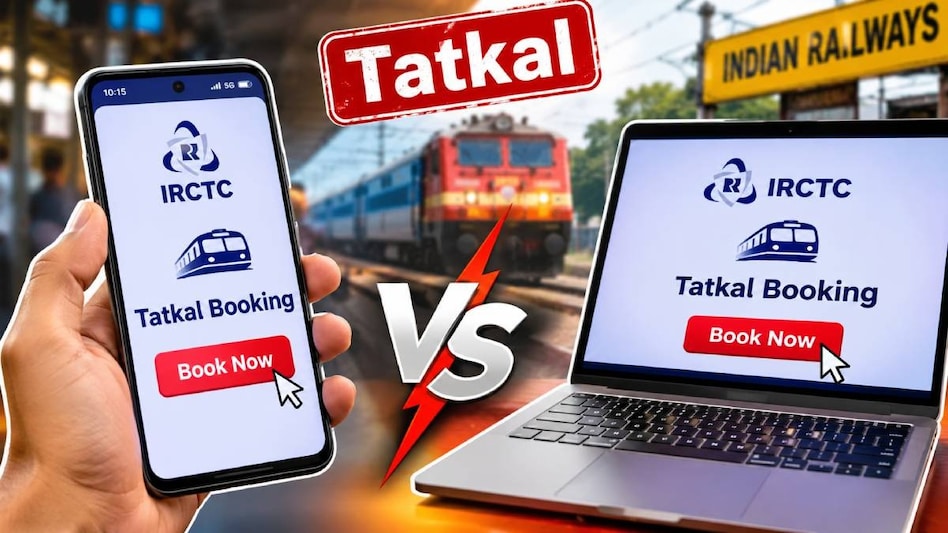
Comparison of Mobile Devices and Laptops for Booking Urgent Tickets on the IRCTC Website
Read more
www.aajtak.in

Comparison of Mobile Devices and Laptops for Booking Urgent Tickets on the IRCTC Website

During holidays such as Diwali and Chhath Puja, many students and working people travel home. However, if return tickets cannot be booked, they have the option of purchasing an urgent ticket, which allows them to travel with a confirmed ticket.

Nevertheless, the process of booking urgent tickets is not always simple. While placing an order, the IRCTC website may slow down, the session may expire, or payment issues may arise, preventing some people from booking tickets.

Because of this, some believe it is better to book tickets from a laptop, while others think that a smartphone can ensure faster booking. Next, we will examine the advantages and features of both devices.

When it comes to ultra-fast speed depending on the device, there is no single gadget that is always faster when booking urgent tickets on IRCTC. Both types of devices have their merits.

When booking urgent tickets, the correct time, a good internet connection, and a fast payment method are more important than the device itself. Let's look at the advantages of using a smartphone versus a laptop.

If you use the IRCTC Rail Connect application on a smartphone, booking tickets becomes significantly easier. The main advantage is the easy ability to log in. If your session does expire, re-logging in is effortless.

Furthermore, making payments via UPI is more convenient on a phone, as most people already have payment applications installed on their phones. Another plus of the smartphone is the ability to use the 5G network. If a good 5G network is available in your area, it can provide higher internet speeds, although internet speed also depends on your location and network.

On the other hand, if you want to book an urgent ticket from a home computer, a laptop can also be a good choice. Its biggest advantage is the large screen, on which it is easy to view train, seat, and passenger details. A laptop can also open multiple tabs simultaneously to view necessary information, eliminating the need for constant page switching.

Another advantage of a laptop is that when using the internet via Wi-Fi or broadband access, you can get a stable connection, although this again depends on the quality of your internet connection.

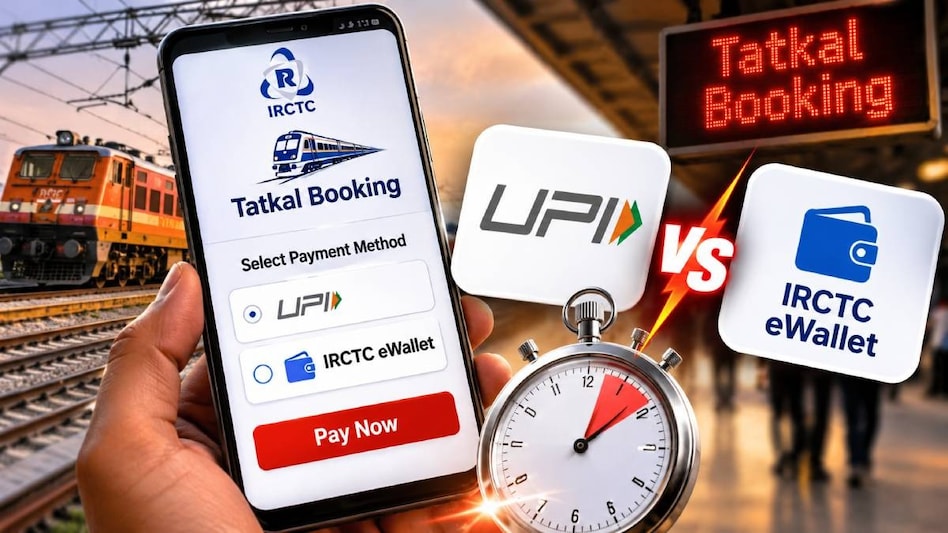
Comparison of Payment Speed When Booking Urgent Tickets: UPI vs. IRCTC eWallet
Read more
www.aajtak.in

Comparison of Payment Speed When Booking Urgent Tickets: UPI vs. IRCTC eWallet

During the holiday season, a large number of working people and students travel home, but sometimes return tickets cannot be confirmed. If the date is not confirmed, or if a person forgets to book a ticket, the last option is booking urgent tickets.

With urgent tickets, you can book a trip even a day before the journey. However, the biggest problem arises during payment. Sometimes, after selecting a ticket and filling in all the details, there is a payment delay. By the time the payment is completed, the seat may have been taken by another passenger.

The question arises: which payment method is better to use when booking an urgent ticket—UPI or IRCTC eWallet? We will examine which one is faster and which gives more chances of ticket confirmation.

Losing a Ticket Due to Payment Failure

Timing is critical when booking urgent tickets. As soon as booking begins, you must quickly select a train and attempt to book a ticket. But even if all conditions are met, the payment may be delayed. The ticket may not be booked due to slow payment, transaction failure, or problems with the banking server. As a result, precious time is wasted, and the confirmed ticket may slip away.

The IRCTC platform offers many payment options, including UPI, debit cards, credit cards, and IRCTC eWallet. But which of these options might be the fastest?

Who is Faster: UPI or IRCTC eWallet?

People often assume that payment through IRCTC will be faster because of its own eWallet. However, this is not always the case. When paying via UPI, you may need to confirm the transaction in the payment application. Here, the speed of the internet, the banking server, and the UPI application itself is important.

Whereas in IRCTC eWallet, the money is already in the account. This means that during ticket booking, there is no need to go to the bank or the UPI application. This can reduce some payment steps and save time. Therefore, IRCTC eWallet can be a good option when booking urgent tickets. Nevertheless, the payment speed also depends on your internet connection and IRCTC servers.

IRCTC eWallet may be the preferred option when booking urgent tickets. Its main advantage is that the funds are deposited in advance, and it is not necessary to confirm the payment through a separate banking or UPI application. This allows time to be saved during booking. Although for the eWallet, it is still necessary to go through the transaction password entry and OTP procedure. The speed of UPI also depends on your bank and internet connection. Therefore, it cannot be stated that payment via eWallet will always be faster.

How to Book an Urgent Ticket on IRCTC: 5 Necessary Settings
Read more
www.aajtak.in

How to Book an Urgent Ticket on IRCTC: 5 Necessary Settings

If you are planning a train journey but could not secure a confirmed ticket, an urgent ticket might be the solution. However, booking an urgent ticket on IRCTC is not a simple process, as most seats fill up quickly right after sales begin. Problems with booking often arise due to payment delays or passenger data entry issues.

To save time when purchasing a ticket, it is recommended to perform several preliminary settings. Below are five important settings that will help speed up the process of booking an urgent ticket on IRCTC.

Firstly, you need to authenticate via Aadhaar. To do this, go to the 'Authenticate User' section in your account on the IRCTC website or app, enter your Aadhaar number, and complete verification using OTP. It is important to ensure that the mobile number linked to Aadhaar is readily available to you.

Secondly, pre-save passenger details in the 'Master List'. This will help avoid wasting time filling in the passenger's name, age, and gender during the urgent ticket booking. Thus, you will not have to enter this information again.

Thirdly, ensure that your mobile phone number in the IRCTC account is up-to-date. OTPs may be required during booking, so use a number that is always accessible and to which codes arrive easily.

Fourthly, prepare your payment method in advance. Payment delays can cause problems. Therefore, prepare your UPI application beforehand, ensure there are sufficient funds in your bank account, and remember your UPI PIN. This will save time during the payment stage.

The fifth point is to pre-determine the train and seat information. Before ticket sales begin, decide on the train number, travel date, boarding station, and destination station. It is also worth thinking in advance about the desired class and seat. This will prevent the need to search for information during booking.

Booking urgent tickets on IRCTC for AC class starts at 10:00 AM, and for non-AC class—at 11:00 AM. Sales open one day before the travel date. Therefore, it is recommended to log in early and prepare all necessary information.

Popular