Methods to download videos from any site using extensions or online converters
Read more
Tecnoblog
tecnoblog.net

Methods to download videos from any site using extensions or online converters

It is possible to save favorite multimedia content offline by using specific tools to download videos from websites. Currently, there are several ways to obtain videos from anywhere on the internet directly to your device and store this content.

Among the most popular options are installing extensions to download videos directly in the Google Chrome browser or using accessible online converter platforms. However, certain restrictions, such as copyright protection, streaming encryption, or limited players, may prevent the capture of these files.

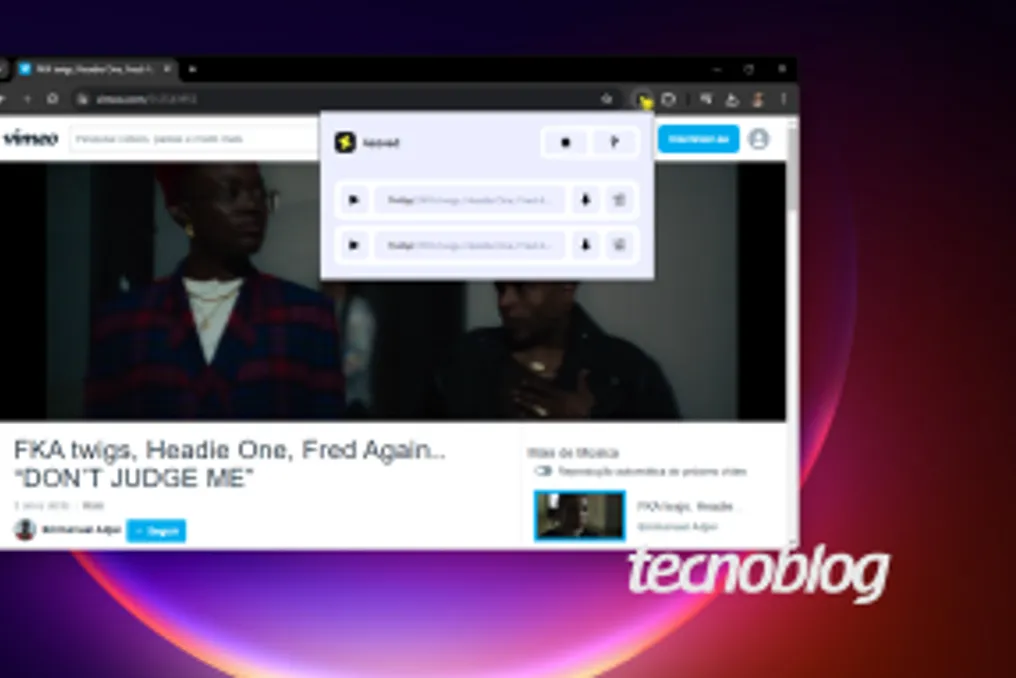
Tecnoblog details below how to proceed to download videos from any site using a computer. Using an extension in the Chrome browser simplifies the process of downloading any media on the computer. Here is the step-by-step guide to use the 4Saved tool on PC.

To start, open Google Chrome on your computer and access the browser's extension store, located at chromewebstore.google.com. Use the top search bar and type the term '4Saved' to locate the appropriate extension for Google Chrome. Click the blue 'Use in Chrome' button located in the upper right corner and, in the subsequent pop-up window, choose the 'Add extension' option to finalize the installation.

Next, navigate to the page containing the desired file and start playback so that 4Saved can identify the available media stream for download. Click the 4Saved icon, which is black and yellow and located next to the address bar, and select the option with the downward arrow to download the media. It is important to note that videos in .mp4 format are downloaded automatically and saved in the PC's 'Downloads' folder. For other formats, you will need to follow the next step of the guide.

If the file is in .m3u8 format, a new tab will open. You need to wait for the loading to reach 100% and then click the 'Save' button to download the video from the website.

Alternatively, it is possible to use online tools directly in the browser, offering a practical solution to download videos from any site without needing to install programs. See how to use SnapWC to download videos from any site via PC: Access snapwc.com using your device's browser. This page allows downloading videos through the link of any webpage. Copy the address of the page where the file is located, paste it into the central field, and click 'Get download links' for the system to extract the video.

In the section designated as 'Video', select the quality and file format you intend to download and click the downward arrow button to start the conversion. After that, wait for a brief advertisement to appear in a new window, return to the previous tab to release the final button, and complete the process of downloading the video from the website.

This link-based method on a web platform also allows downloading videos from any site directly from a mobile phone, without the obligation of installing additional applications. Just like on PC, copy the address of the page containing the media and paste it into the converter site using the device's own browser. During this procedure, it may be necessary to adjust security and download permissions in the browser settings to allow saving third-party content.

There are technical and security barriers that can prevent the download of videos from any site, even when using extensions or conversion platforms. The main reasons blocking the capture and saving of these files include:

Although extensions and converters work well with social networks, it is recommended to prioritize native functionalities to download videos from Instagram or download TikTok videos. This occurs when the content creator keeps this permission active, allowing the original file to be saved directly to the device, without depending on external platforms.

Regarding YouTube, the official way to watch offline requires a YouTube Premium subscription. If the goal is to possess a copy of the files, it becomes necessary to use third-party tools to download YouTube videos.

Downloading videos from any site without authorization implies legal risks, as there may be a violation of copyrights and platform terms of service, even if it is only for personal consumption. Breaking digital barriers of subscription services or redistributing the material aggravates the situation, potentially resulting in account banning or legal action.

In practice, the biggest danger lies in using untrustworthy browser extensions and converter sites. Such platforms may disguise malicious ads, phishing scams, and spyware capable of stealing passwords and compromising device security.
Similar stories

Streaming Device Comparison: Fire TV Stick versus Roku on Sale
Read more
olhardigital.com.br

Streaming Device Comparison: Fire TV Stick versus Roku on Sale

Those who still watch television without a streaming device are missing out on many features. With these devices, it is possible to access services such as Netflix, Prime Video, Disney+, and YouTube directly on the big screen, using a remote control with voice command and a simple interface. Three promotional options were selected to convert any television into a functional Smart TV.

Amazon Fire TV Stick HD (latest model)

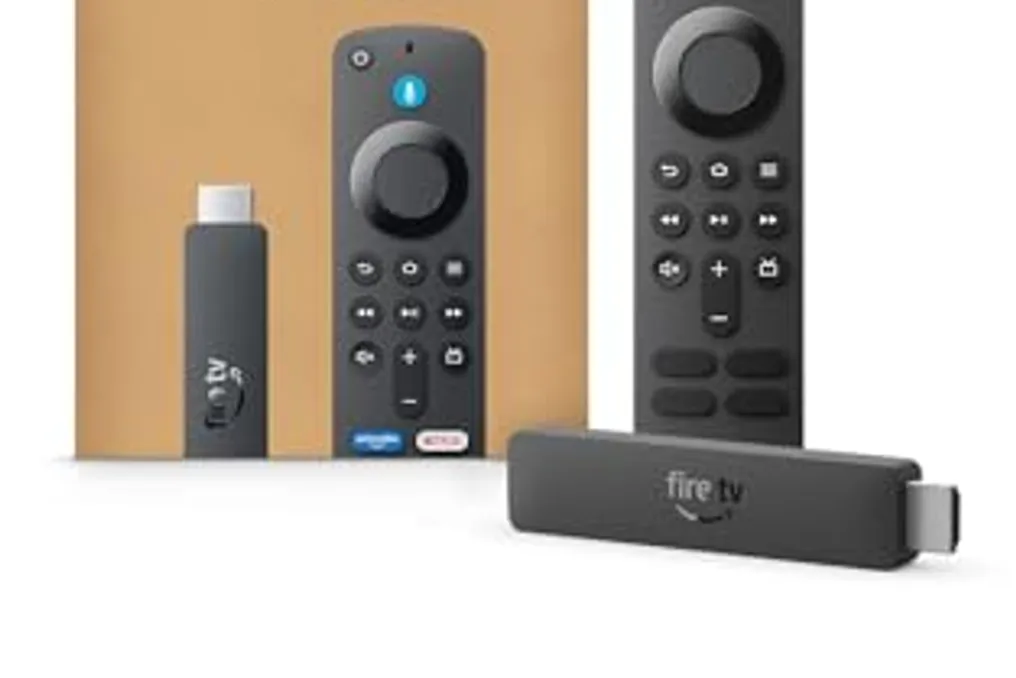
The Fire TV Stick HD represents Amazon's entry into the streaming segment. The most updated version includes a remote control with integrated Alexa, offers simplified setup, and early access to the Alexa+ feature. One of its major advantages is that it is powered by the TV itself via USB, eliminating the need for additional outlets, making it perfect for those seeking practicality without sacrificing modern features.

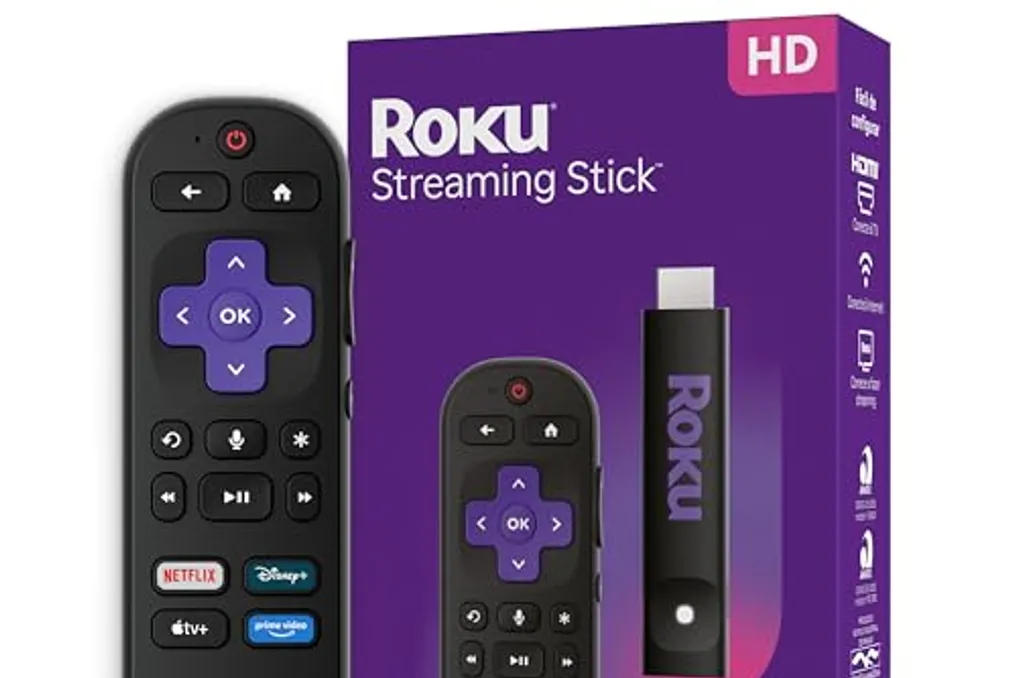
In contrast, the Roku Streaming Stick HD, launched in 2025, made available compatibility with the three main voice assistants available on the market: Alexa, Siri, and Google Assistant. This device supports content in HD and Full HD resolutions and stands out for presenting an organized interface and access to thousands of channels and applications, making it a robust option for users who prefer an ecosystem less restricted to Amazon's.

For those who have a 4K resolution TV and want to take full advantage of this quality, the Fire TV Stick 4K is the ideal recommendation. The latest model was equipped with a new Fire TV remote and advanced integration with Alexa+, allowing for more sophisticated voice searching for movies and series. All applications are centralized in one place, which facilitates navigation between the various platforms.

It is important to note that promotions on streaming devices tend to change quickly, and stocks can run out at any time. If any of these devices have sparked your interest, it is recommended to secure the purchase as soon as possible to enhance the viewing experience on your television.

Amazon offers discounted streaming devices to enhance TV experience
Read more
olhardigital.com.br

Amazon offers discounted streaming devices to enhance TV experience

Those who still watch television without a streaming device are missing out on the best of digital entertainment. Three notable options have been selected on Amazon, ranging from basic HD models to 4K versions with Alexa integration, to help in choosing the ideal one according to TV needs and available budget.

Roku Streaming Stick HD 2025

The Roku Streaming Stick HD, launched in 2025, supports HD and Full HD resolutions. It comes with a voice-controlled remote and is compatible with major market assistants such as Alexa, Siri, and Google Assistant. This device is presented as a practical option to centralize all streaming applications in one place, without creating complexity.

The Fire TV Stick HD has direct power supply from the television, eliminating the need for additional power cables. Its setup is described as simple and fast, and the remote control equipped with Alexa allows searching for movies, series, and music solely by voice. Furthermore, the current model offers early access to Alexa+, Amazon's new AI layer integrated into entertainment.

For users who have 4K televisions and wish to maximize image quality, the Fire TV Stick 4K is recommended. This latest version consolidates all streaming services in one place and includes the new Fire TV remote, along with Alexa+ integration for smart searches of movies and series. It is a complete solution to convert any compatible TV into an entertainment hub.

Due to the rapid change in stock of these offers, it is recommended to access the links immediately to secure the desired device. Regardless of the model chosen, the user will have a significant improvement in their home TV viewing experience.

Android will offer automatic backup of photos and videos to Windows computers
Read more
tecnoblog.net

Android will offer automatic backup of photos and videos to Windows computers

Although photo backup is often associated with cloud services like Google Drive, OneDrive, and Dropbox, Android users will soon have the ability to automatically transfer photos and videos from their mobile devices to a computer running the Windows operating system.

Currently, there is no official announcement regarding this feature. The novelty was identified by publications such as Android Authority during the operating system launch notes scheduled for November 2026, specifically in the section referring to Google Play Services version 26.43.

Despite being concise, the technical note clarifies that the backup process will use Quick Share, a tool that already allows file sharing between Android devices and PCs, although this sharing is done manually. However, the feature Google plans will send photos and videos from Android to the computer automatically, and there are indications that audio files may also be included.

Google has not yet disclosed the operational details of the automatic backup. However, an analysis conducted by Android Authority in April, when the feature was discovered, suggests that the initial setup must be done through Quick Share installed on Windows, requiring the phone or tablet to be physically close for the pairing process and necessitating the use of a Google Account.

There is no defined forecast for general availability nor a list of compatible devices. However, since the feature was cited in recent Android launch notes, it is presumed that its official implementation will occur in the near future, probably gradually, with good chances of starting on Google Pixel phones.

For those who have a dedicated hard drive or SSD for this purpose, a feature that automates the saving of content generated on the phone represents a significant improvement, in addition to facilitating quick access to captured media.

Popular