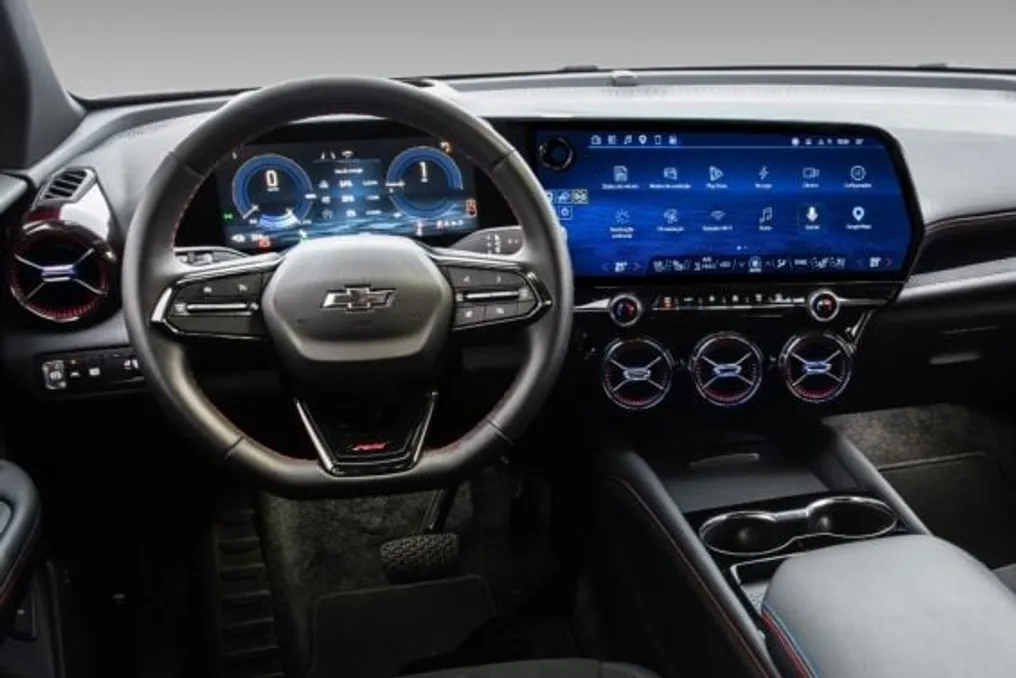
Gemini is available on Apple CarPlay, allowing voice conversations with AI while driving
Read more
Olhar Digital
olhardigital.com.br

Gemini is available on Apple CarPlay, allowing voice conversations with AI while driving

Google has started making the Gemini application directly available on Apple CarPlay. This feature allows iPhone users to interact with the artificial intelligence (AI) by voice while driving, eliminating the need to hold the phone or leave the vehicle's multimedia system interface.

The feature uses Gemini Live, a mode that enables more fluid dialogues with the chatbot. The driver can start a new interaction or resume a previous conversation via an icon displayed on the CarPlay screen. Google stated that it will be possible to pause the dialogue, change the topic, or interrupt the conversation at any time. All conversations are kept synchronized with the Gemini app on the iPhone and recorded in the account history.

The implementation of this feature began this Wednesday, the 11th, and covers iOS users in all languages that support Gemini Live. To take advantage of this novelty, it is essential that the Gemini app is installed and updated on the iPhone, as well as that the user grants microphone usage permission and has initiated at least one conversation with Gemini Live via mobile.

After connecting the iPhone to CarPlay, the Gemini icon becomes visible on the vehicle's interface; simply selecting it starts or continues the voice communication. Prior to the direct integration, Google Assistant was already accessible via CarPlay through the Google Maps app; now, the company offers native access to the chatbot on the car screen.

This addition comes shortly after Google expanded Gemini's presence on Android Auto and in vehicles equipped with the integrated Google system, continuing to introduce personalized assistance features on these platforms.

Similar stories

Google's Gemini allows editing of PDFs and documents directly in the interface
Read more
tecnoblog.net

Google's Gemini allows editing of PDFs and documents directly in the interface

Google announced that Gemini now has the capability to edit various types of files, including PDFs, presentations (slides), spreadsheets, programming code, and documents, all within its own interface, eliminating the need for external editing software.

This functionality is being made available to all users of the service. Although Gemini already allowed working with content such as text documents and spreadsheets, Google's announcement refers to a significant advancement in how the tool handles files in different formats.

Previously, to modify a piece of text created by Gemini, it was necessary to provide a specific instruction (prompt) to make the change. With this update, the user can make modifications directly in the service's interface, simulating Gemini acting as a text editor itself.

This improvement allows a file to be generated, viewed, or edited entirely through the tool's interaction screen. However, Google emphasizes that applicability varies depending on the device used: direct viewing and editing of PDFs are supported on both the web version and the Gemini mobile apps.

Other formats, such as Google Docs, Google Sheets, slides, Markdown, TXT, and programming code, are currently only available on the web version. According to Google, this new feature is being launched globally and in all languages where the service operates.

It is important to note that viewing and editing these files is accessible to both free Gemini users and those who use paid Google AI plans, which in Brazil start at R$ 24.99 per month under the name Google AI Plus.

Google Cloud's Gemini demonstrates AI capabilities in voice interaction, coding, and complex task execution
Read more
yourstory.com

Google Cloud's Gemini demonstrates AI capabilities in voice interaction, coding, and complex task execution

Modern artificial intelligence systems are capable of performing complex tasks that go beyond simply answering queries. An example is provided where AI processes 80,000 files and generates a presentation with charts, images, and clear narration, or creates a detailed 3D scene using code without specialized rendering software.

At the TechSparks 2026 event, Rajesh Shivani, Head of AI Client Engineering for Digital Natives, Startups, and IT Companies at Google Cloud, presented how Gemini is applied in the fields of voice AI, autonomous agents, and software development.

His masterclass focused on how enterprises can transition from using AI to receive answers to delegating work tasks to it. Initially, AI tools gained popularity through chat interfaces that answered questions. The next stage is agentic AI, which allows systems to plan tasks, access information, and use tools to act on behalf of the user.

Rajesh explained that 'an agent is now just a model plus a framework,' describing the infrastructure around the model that manages memory, context, permissions, and task execution. Creating useful agents requires four components: goals, clear instructions, relevant knowledge, and tools to apply that knowledge. Internal company data is particularly important because general-purpose models may not have access to this company's specific processes or customer information.

Shivani also discussed Google's Open Knowledge Format (OKF), which aims to provide organizations with a structured way to make information accessible to AI agents.

One key demonstration example was the use of voice AI. A system developed for the Singaporean company Grab helped passengers and drivers coordinate meetings at the airport, overcoming language barriers. This demonstration showed how voice AI can support interaction in over 85 languages.

Another example demonstrated AI's ability to dub videos in English into Marathi and Malayalam while simultaneously synchronizing lip movements and facial expressions. Such features can help companies in producing multilingual educational materials, marketing videos, and customer communications with fewer production steps.

Rajesh Shivani emphasized that 'voice is becoming the new user interface,' pointing to the growing importance of voice interaction for customers and employees.

He also presented a virtual banking assistant created for Citibank's retail banking. During the demonstration, the AI avatar explained options for repaying a time deposit and processed an extension after the customer selected a 12-month term.

In addition to voice functions, Shivani highlighted Google's tools for coding and cybersecurity. The Antigravity tool helps developers build applications, and CodeMender can detect vulnerabilities in code, generate fixes, and test them in a sandbox.

In one demonstration, Gemini analyzed 80,000 files from open NASA archives, including Mars weather data and helicopter telemetry, and prepared a presentation using a provided template and design guidelines.

Another demonstration showed how the model generated a detailed 3D library scene using Python and NumPy, without the need for specialized rendering software or external resources.

For companies considering the costs of AI implementation, Shivani noted that the most powerful model is not always necessary. He explained that 'you don't need a cutting-edge model for everything,' as simpler tasks can be handled by faster and less expensive models.

As agents take on more work, enterprises will need to rethink their methods for managing permissions, security, costs, and automated activities. Shivani strongly urged organizations to consider a future where their systems interact with agents, not just humans. He suggested that developers will increasingly be able to act as agent managers instead of performing every step themselves.

The main challenge is no longer just selecting a capable AI model, but providing agents with the necessary knowledge and tools while ensuring they perform tasks reliably and securely.
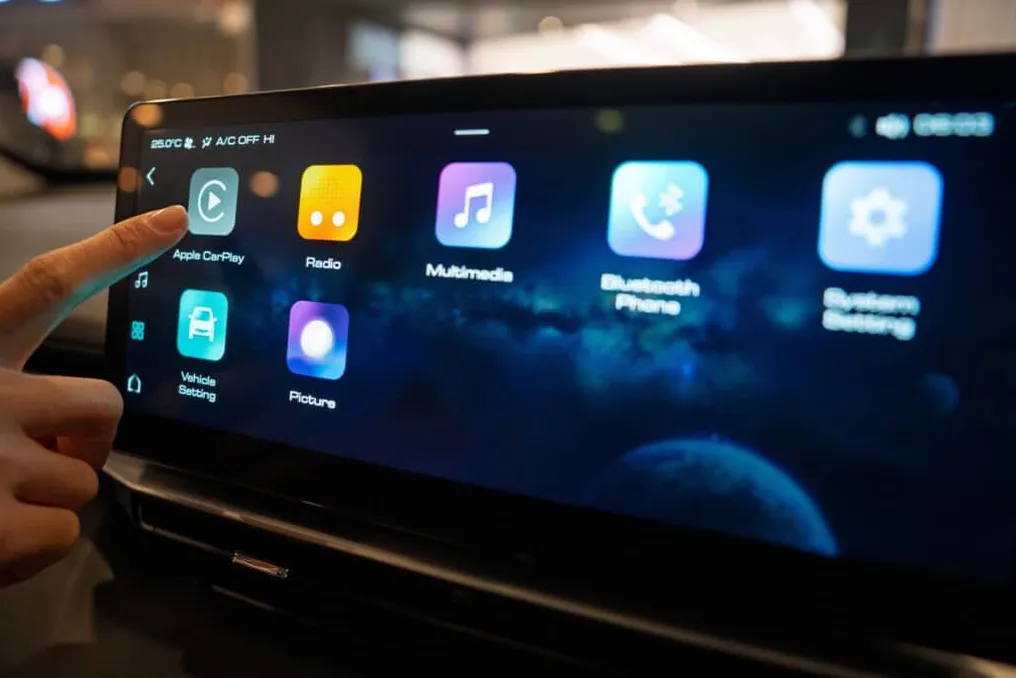

Chevrolet begins releasing Google's Gemini in Portuguese for vehicles in Brazil
Read more
autopapo.com.br

Chevrolet begins releasing Google's Gemini in Portuguese for vehicles in Brazil

General Motors gradually began making Gemini, the artificial intelligence assistant developed by Google, available for Chevrolet vehicles in Brazil that have the integrated Google system, this Wednesday (28th).

Initially, the technology was launched in English in the United States in April, subsequently expanding to Spanish-speaking Latin American countries, and is now arriving to Brazilian drivers in Portuguese.

This system differs from conventional voice commands by understanding natural language and maintaining the conversation context across multiple interactions, eliminating the need for the driver to repeat the initial command.

In practice, Gemini allows actions such as adjusting the temperature by saying 'I'm cold' or activating the defroster by stating that the windshield is foggy. Additionally, it is possible to request suggestions for stops during the trip or search for music without knowing the exact title.

The assistant also has the ability to consult the owner's manual to clarify doubts about dashboard lights. In electric models, it provides information about battery range to the destination and plans routes with access to charging points.

Through Gemini Live, activated by the phrase 'Hey Google, let's chat,' drivers and passengers can maintain a continuous dialogue to organize itineraries. Users have the option to return to the traditional Google Assistant through the settings menu.

This update is available for Chevrolet Blazer EV, Equinox EV, Equinox Turbo, and Silverado models manufactured from 2024 onwards, distributed via the Google Play store.

For the functionality to be activated, the vehicle must run Android 11 or a higher version, possess native internet connectivity, have a Google account linked to the multimedia center, and an active OnStar plan, which is Chevrolet's safety and connectivity service.

In models planned for 2027, Gemini will be offered free of charge with the OnStar Basics package. However, for 2026 models and earlier years, the service subscription remains a paid requirement.

Access to the assistant can be made via voice command, using the button located on the steering wheel or by tapping the icon displayed on the central screen, which reduces the need for the driver to navigate through various menus while driving.

Popular