Alibaba's Qoder allows sending coding tasks from one desktop client to another device without using SSH
Read more
Pandaily
pandaily.com

Alibaba's Qoder allows sending coding tasks from one desktop client to another device without using SSH

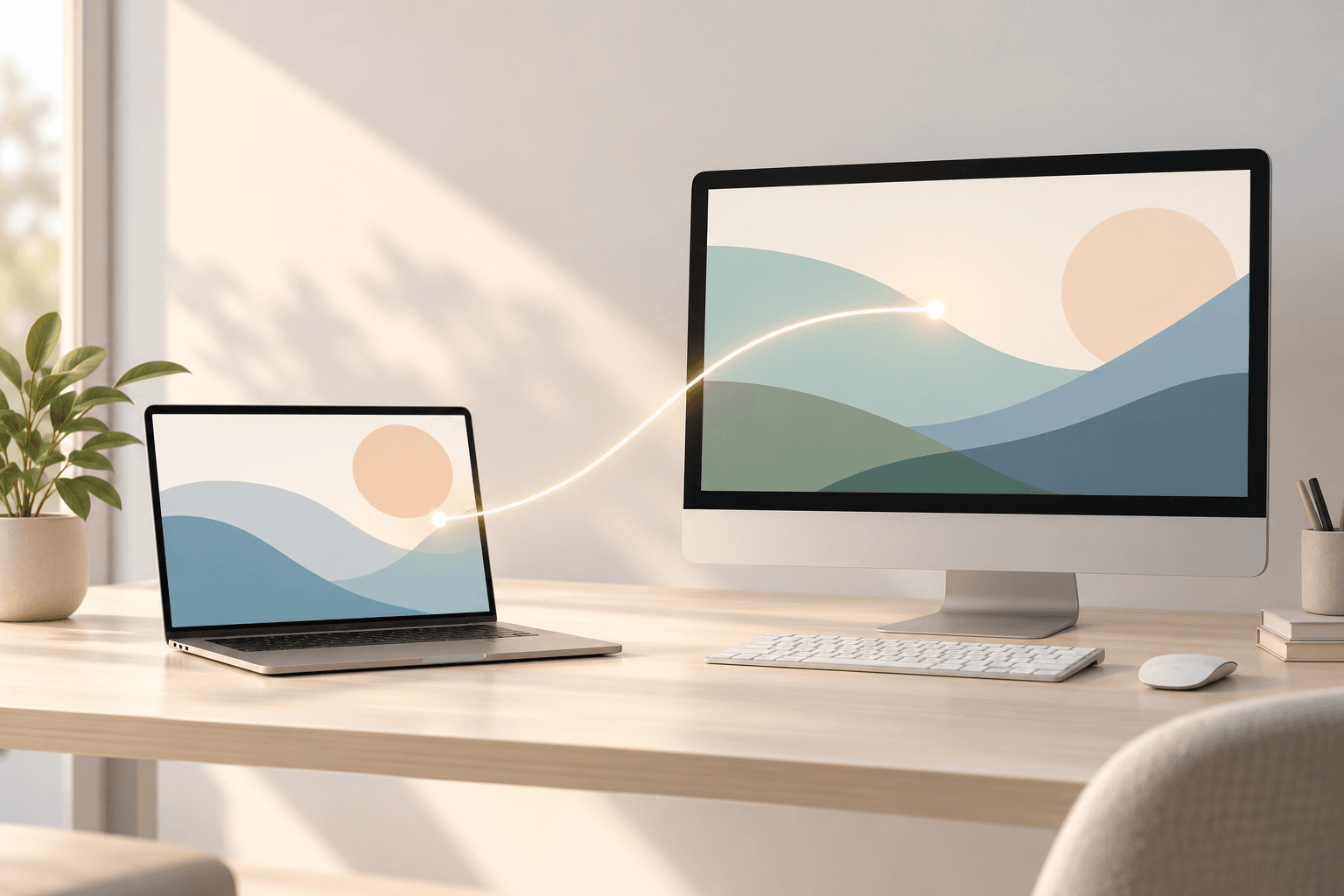
Alibaba has introduced the 'desktop interconnect' feature in its Qoder product, which enables users to link a standard Qoder desktop client with a Qoder instance running on another computer. According to IT Home on October 30, users can now initiate tasks on a remote machine, track their progress, add requirements, and view the resulting outcomes.

Previously, Qoder already allowed remote management of a desktop device via a mobile application. The new feature aims to solve common developer challenges. For example, long operations such as project refactoring are often performed on more powerful dedicated hardware, while daily work is done on a lightweight laptop. Furthermore, builds, tests, and validations requiring a specific operating system or greater performance can be launched on separate devices.

Until recently, this required the use of SSH, which necessitates configuration, or a remote desktop, forcing users to constantly switch screens and search for the correct Qoder session. With 'desktop interconnect,' two devices connect directly, bypassing the need for SSH setup or other remote connection methods. After connecting, users continue working in the familiar client, launching remote jobs, checking progress, and providing instructions.

Files created by the remote agent, such as PowerPoint presentations or Excel spreadsheets, can be previewed on the local computer. Qoder states that eliminating the overhead associated with connection and switching allows users to focus on achieving goals, results, and key decisions.

In terms of security, the connection requires entering the device address and a special pairing code. Both devices must be authorized under the same account and complete the pairing process. Pairing codes are only valid for a limited time. Users have the option to select which workspaces to open and set synchronization permissions for existing sessions, thereby controlling access from the paired device. Connections can be terminated at any time, and device authorizations can be revoked when they are no longer needed.

The Qoder product family now includes a desktop application, an AI-enabled IDE, a command-line tool, a JetBrains plugin, the QoderWake digital employee product, and Cloud Agents. Alibaba reports that Qoder is used by over 8 million users and more than 100,000 corporate clients worldwide. This update is part of a series of releases aimed at expanding Qoder's capabilities across various devices and operating systems.
Similar stories

Tencent's WorkBuddy adds remote control feature to monitor AI tasks from mobile devices
Read more
technode.com

Tencent's WorkBuddy adds remote control feature to monitor AI tasks from mobile devices

Tencent's artificial intelligence agent platform, WorkBuddy, has released a remote control feature supported by the Tencent Edge One team. This new capability allows users to connect to a computer logged into the same account using a mobile application. Users can view the desktop in real-time and intervene in operations if necessary.

Unlike traditional remote desktop tools, which primarily focus on device-to-device access, the WorkBuddy feature is specifically designed for AI agent workflows. Users gain the ability to monitor the agent's actions in real time and intervene if tasks deviate from course or require manual confirmation.

To use this feature, the mobile application must be updated to version 2.7.0 or later, as well as the macOS desktop client to version 5.9.3 or higher. After connecting, the computer screen is displayed in a pop-up window on the app's home page or at the top of the dialogue, allowing monitoring of the agent without leaving the current chat.

If an agent encounters an issue while performing a task, users can intervene directly from their phones. For example, if an account is not authorized or the connector authorization has expired, users can attempt to resolve the issue on mobile devices instead of returning to their computers.

For manual control, users can press the full-screen mode button, which switches the phone interface to landscape orientation and activates the ability to control the desktop via touch input. The interface provides three options: Control, Keyboard, and Mouse, which support actions such as switching windows, returning to the desktop, and text input. A virtual mouse is also available for more precise clicking and scrolling in small areas of the screen.

Regarding security, Tencent states that the feature limits each device to one authenticated mobile device simultaneously. Screen data and control commands are transmitted over an encrypted channel. The platform does not record user input or store video recordings of remote control sessions. Network traffic generated by remote control is deducted from the device's data usage and does not consume WorkBuddy AI agent token quota.

To get started, users need to enable the remote connection option for devices logged into the same account in WorkBuddy settings, install the necessary remote control component, and grant screen recording and accessibility permissions. Once configured, users can connect remotely while the computer remains powered on and WorkBuddy is online.

In practice, this feature helps solve a common problem in AI agent workflows—the need for human intervention during task execution. AI agents are already capable of performing multi-step tasks, such as document organization and data collection, but they can still encounter authorization requirements, permission requests, or operational errors. Remote control gives users the ability to monitor progress and make adjustments from their phones without being tied to their desks.

However, this feature may offer more than just a way to control computers from a phone. It could potentially introduce a more flexible model of human-AI collaboration, where AI handles routine work, and users intervene to make decisions and correct errors at critical moments. Rather than striving for completely autonomous execution at all costs, maintaining human oversight might be a more practical approach for AI productivity tools at the current stage of development.

Nevertheless, a smartphone cannot fully replicate the computer experience. Remote access may be convenient for simple tasks, such as approving permissions or switching windows, but its effectiveness in more complex workflows involving data processing and multiple windows remains to be seen. The feature is currently available for trial use by all users. Tencent reports that future versions will include more enterprise-oriented capabilities, including role-based permission management and audit logs.

Alibaba's Amap Model Introduces Humanoid System Learning Full-Body Tasks from Human Movements
Read more
technode.com

Alibaba's Amap Model Introduces Humanoid System Learning Full-Body Tasks from Human Movements

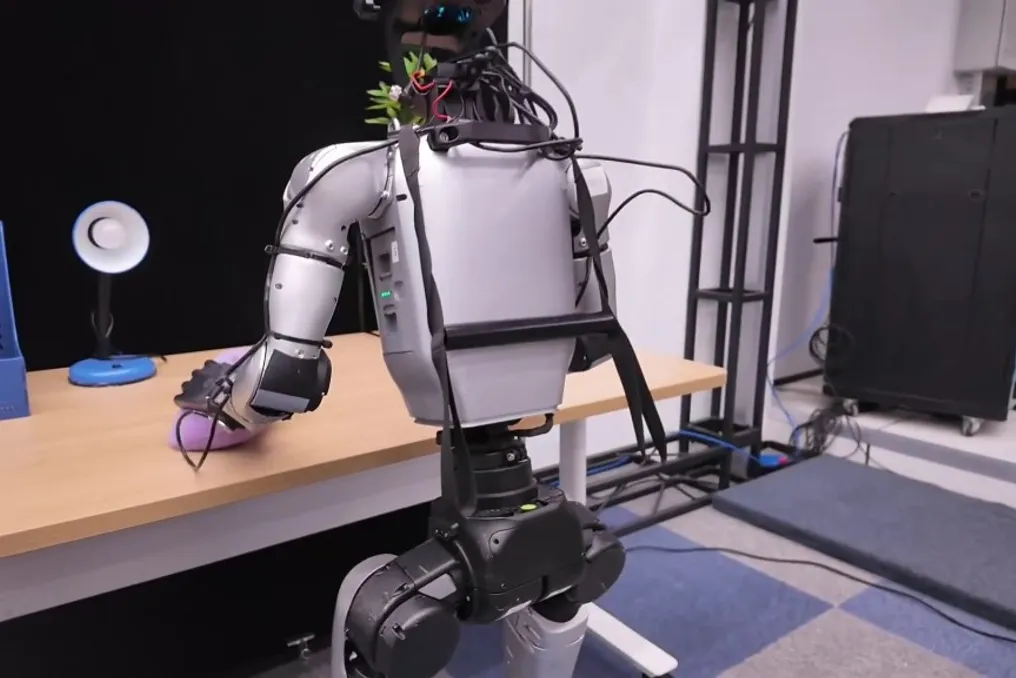
Alibaba, in collaboration with Alibaba Token Hub, has introduced the λ0 model. This foundational model is designed to train humanoid robots in coordinated movements and manipulations by utilizing demonstrations shown by humans.

The system learns from first-person video recordings that are synchronized with body and arm movements. This enables robots to perform more complex tasks, combining walking, posture correction, and two-handed operations.

Researchers created the HumanVerse dataset, which includes 500 hours of recordings of people performing various actions in real-world conditions. This approach reduces the need to collect demonstrations through robot teleoperation.

During testing, the team demonstrated that λ0 achieved 62.5% success rate in tasks related to locomotion and manipulation in the real world. The project also provided researchers with configuration code for data collection equipment and data samples.

Alibaba introduces RISC-V automotive processor IP and roadmap for autonomous driving and robotics
Read more
technode.com

Alibaba introduces RISC-V automotive processor IP and roadmap for autonomous driving and robotics

DAMO Academy from Alibaba unveiled the XuanTie E908A automotive processor IP at the RISC-V summit in Shenzhen, China, on October 19. This processor IP is designed for safety-related systems, domain controllers, and automotive gateways, and complies with automotive functional safety requirements ASIL-B and ASIL-D, according to DAMO Academy.

Furthermore, the company disclosed a processor roadmap intended for autonomous driving and embodied artificial intelligence. The planned automotive processor C950A is expected to deliver five times the performance of current RISC-V products for the automotive industry, with its release anticipated by the end of 2027.

DAMO Academy reported that the cumulative volume of chips utilizing the XuanTie processor IP has exceeded 6 billion units as the company expands its application from established areas into high-performance computing markets.

Popular