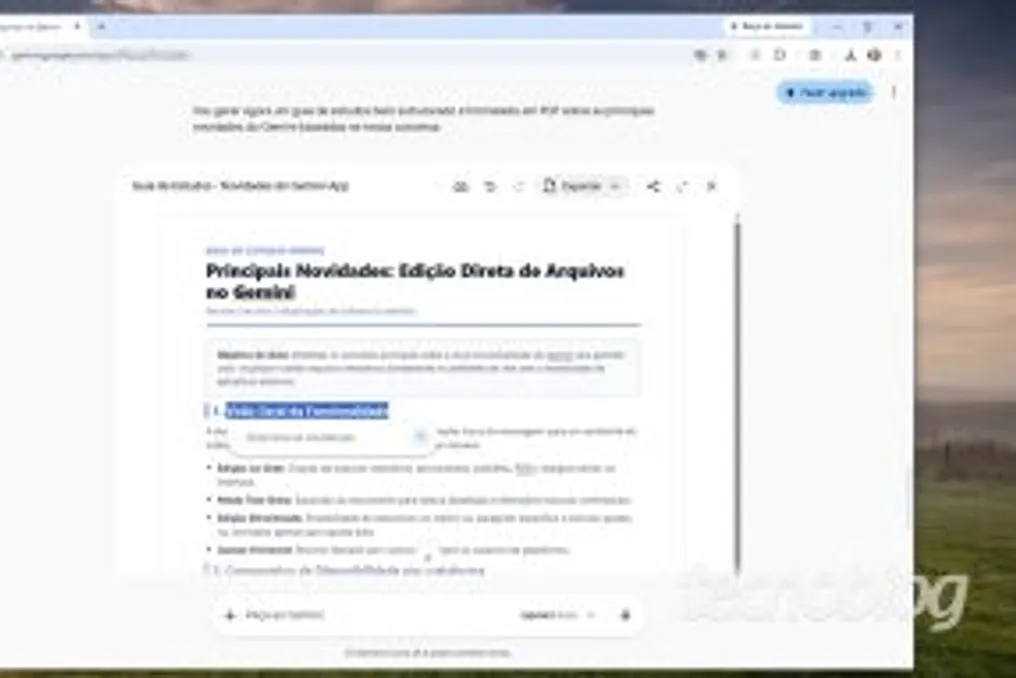
Google announced that Gemini now has the capability to edit various types of files, including PDFs, presentations (slides), spreadsheets, programming code, and documents, all within its own interface, eliminating the need for external editing software.
This functionality is being made available to all users of the service. Although Gemini already allowed working with content such as text documents and spreadsheets, Google's announcement refers to a significant advancement in how the tool handles files in different formats.
Previously, to modify a piece of text created by Gemini, it was necessary to provide a specific instruction (prompt) to make the change. With this update, the user can make modifications directly in the service's interface, simulating Gemini acting as a text editor itself.
This improvement allows a file to be generated, viewed, or edited entirely through the tool's interaction screen. However, Google emphasizes that applicability varies depending on the device used: direct viewing and editing of PDFs are supported on both the web version and the Gemini mobile apps.
Other formats, such as Google Docs, Google Sheets, slides, Markdown, TXT, and programming code, are currently only available on the web version. According to Google, this new feature is being launched globally and in all languages where the service operates.
It is important to note that viewing and editing these files is accessible to both free Gemini users and those who use paid Google AI plans, which in Brazil start at R$ 24.99 per month under the name Google AI Plus.