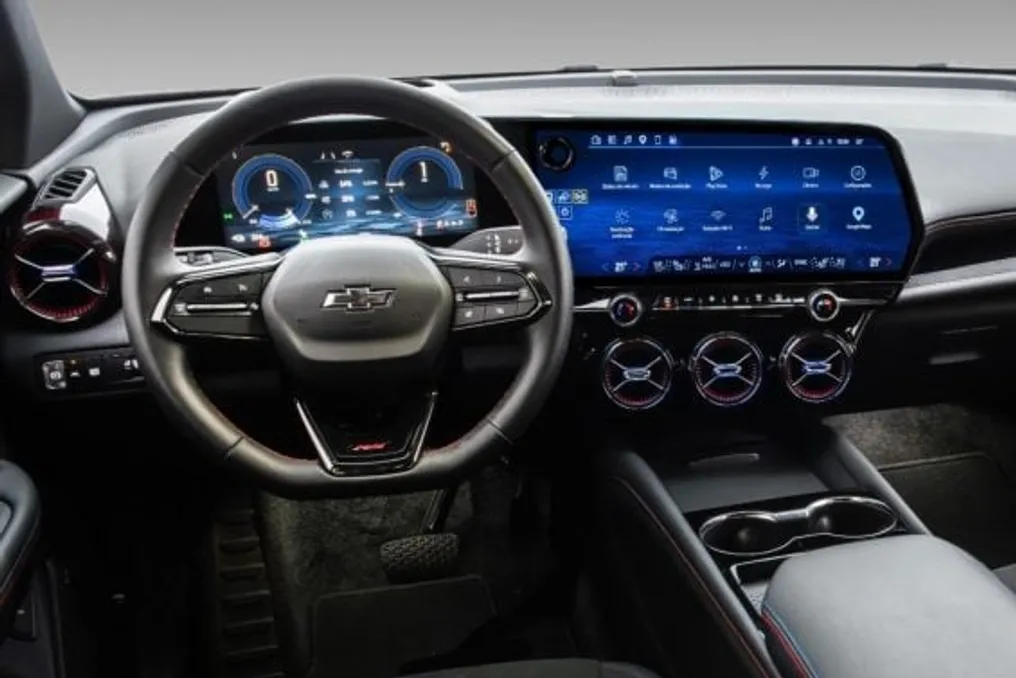
General Motors gradually began making Gemini, the artificial intelligence assistant developed by Google, available for Chevrolet vehicles in Brazil that have the integrated Google system, this Wednesday (28th).
Initially, the technology was launched in English in the United States in April, subsequently expanding to Spanish-speaking Latin American countries, and is now arriving to Brazilian drivers in Portuguese.
This system differs from conventional voice commands by understanding natural language and maintaining the conversation context across multiple interactions, eliminating the need for the driver to repeat the initial command.
In practice, Gemini allows actions such as adjusting the temperature by saying 'I'm cold' or activating the defroster by stating that the windshield is foggy. Additionally, it is possible to request suggestions for stops during the trip or search for music without knowing the exact title.
The assistant also has the ability to consult the owner's manual to clarify doubts about dashboard lights. In electric models, it provides information about battery range to the destination and plans routes with access to charging points.
Through Gemini Live, activated by the phrase 'Hey Google, let's chat,' drivers and passengers can maintain a continuous dialogue to organize itineraries. Users have the option to return to the traditional Google Assistant through the settings menu.
This update is available for Chevrolet Blazer EV, Equinox EV, Equinox Turbo, and Silverado models manufactured from 2024 onwards, distributed via the Google Play store.
For the functionality to be activated, the vehicle must run Android 11 or a higher version, possess native internet connectivity, have a Google account linked to the multimedia center, and an active OnStar plan, which is Chevrolet's safety and connectivity service.
In models planned for 2027, Gemini will be offered free of charge with the OnStar Basics package. However, for 2026 models and earlier years, the service subscription remains a paid requirement.
Access to the assistant can be made via voice command, using the button located on the steering wheel or by tapping the icon displayed on the central screen, which reduces the need for the driver to navigate through various menus while driving.