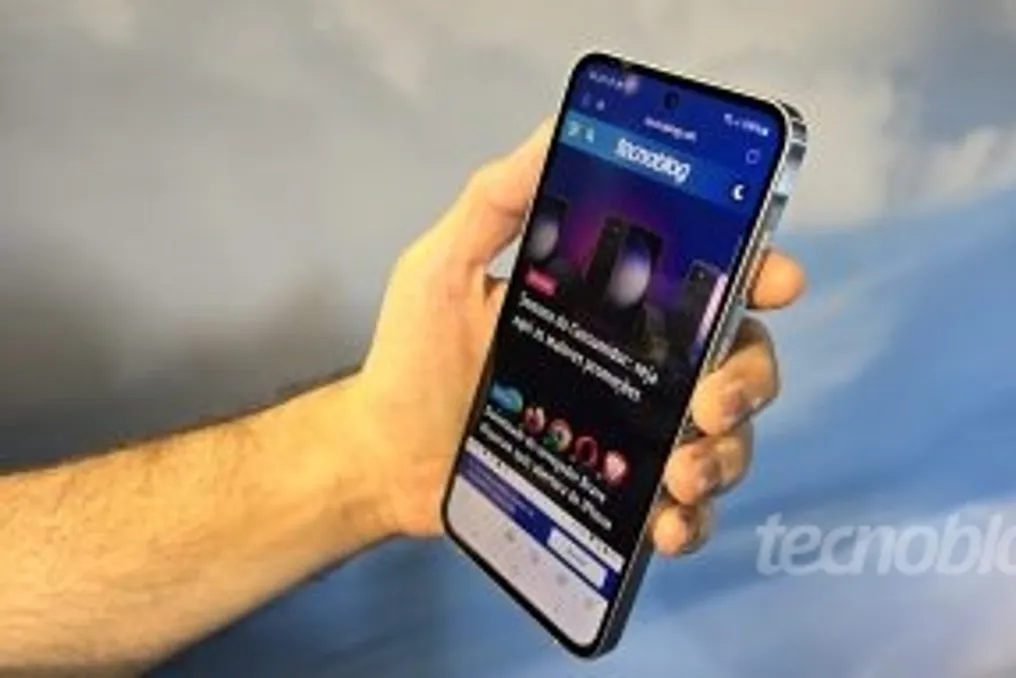
Samsung has begun rolling out One UI 9 for the Galaxy A55 model in the Brazilian market. The first national reports regarding this interface expansion, which is based on Android 17, emerged on Tuesday night, October 27th, covering the brand's mid-range devices.
In addition to the Galaxy A55, the Galaxy A37 is also receiving the update in the country. User reports indicate that this system started arriving since the previous Thursday, October 22nd, shortly after other devices such as the Galaxy A57, A56, A36, and A27 were included in the reception queue.
A user registered on Samsung Members confirmed the arrival of One UI 9 on the Galaxy A55. The device received firmware identified as A556EXXUIEZJ1, with an approximate size of 2.2 GB. This update package migrates the phone to Android 17 and incorporates a security patch dated October 5, 2026.
The distribution in Brazil for the Galaxy A55 occurred approximately one week after the release of One UI 9 for this same model in South Korea. To date, Samsung has not released a detailed changelog for this version.
The manufacturer began officially distributing One UI 9 in September, initially on the newest devices, such as the Galaxy S26 line, and has progressively extended the system to older generations and mid-range models.
One UI 9 introduces visual modifications, performance optimizations, and new Galaxy AI features. Among the highlights mentioned by Samsung are Now Nudge, which provides suggestions based on the content displayed on the screen, and a more customizable version of Now Brief.
Additionally, the Smart Photo feature has been enhanced to assist in image editing. However, Samsung clarifies that the accessibility of these functionalities depends on the specific model, language, and region of the user.
Regarding the Galaxy A37, Samsung Members users reported that the update started appearing on October 22nd. The following day, October 23rd, the system reached the Galaxy A36, A27, A56, and Z Fold 5 models.
To check for update availability, users should navigate to Settings > Software Update > Download and Install. Samsung advises that the device remains connected to a Wi-Fi network and has sufficient battery during the entire process, as the distribution is gradual and the update may not appear immediately.
