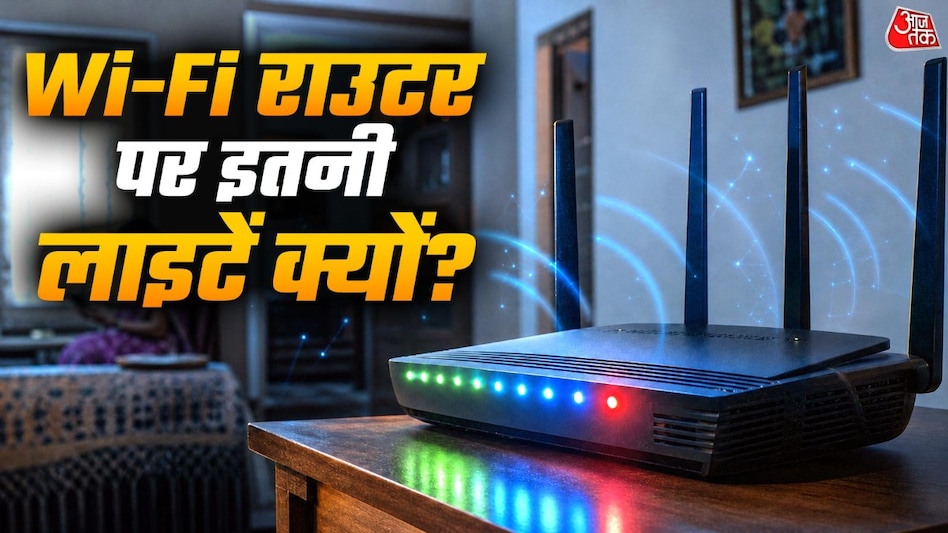
In modern homes, Wi-Fi routers are used almost universally to connect various devices such as smartphones, laptops, and smart TVs to the internet. These routers often have numerous LED indicators on their casing that may be constantly lit or blinking. Even without an internet connection, some of these lights remain active. This raises a natural question about the purpose of all these indicators and how one can judge the network's correct operation based on them.
These LEDs provide information about various router functions, allowing the user to assess the device's performance without needing deep technical knowledge. Below is a simple explanation of the meaning of each of these lights.
Power Indicator
The most important indicator is the power light, which signals that electricity is being supplied to the router. When the device is connected to a power source, the power indicator starts to glow. Constant illumination of this indicator usually means the router is functioning. However, if the light does not turn on, it may indicate power supply issues, adapter malfunction, or a failure in the router itself.
Some routers display a blinking power indicator initially after startup as the device goes through the boot process. If this blinking continues for a long time, it is recommended to consult the user manual or contact the internet service provider for inspection.
What Does the Internet or WAN Indicator Show?
This indicator shows whether the router has established a proper connection to the external internet. Depending on the model, it may be labeled 'Internet' or 'WAN'. WAN represents the communication channel through which the router connects to the internet service provider's network. If the 'Internet' indicator is lit normally, it signifies that the router has received an internet connection. If it is off or glowing red, it may indicate problems with the internet connection.
It is important to note that the appearance and signals of indicators vary across different router models, so to accurately determine the meaning of any indicator, you must study the specifications of the specific router. Furthermore, the mere fact that the internet indicator is lit does not guarantee flawless operation; sometimes, even when connected, the internet may run slowly or web pages may fail to load.
Reasons for Wi-Fi Indicator Illumination and Blinking
The Wi-Fi indicator shows the status of the router's wireless network, indicating whether the wireless communication function is enabled. It is through this network that mobile phones, laptops, and smart TVs connect to the internet without using cables. If this indicator is lit, the wireless network is active. If it is off, Wi-Fi might be disabled or there might be a fault in the router.
Blinking of this indicator occurs when data is being exchanged over the internet, for example, when a user is watching a video, downloading files, or sending/receiving data via an application. Such flickering is a completely normal phenomenon and does not indicate a router malfunction.
LAN Indicator Function
LAN ports are designed to connect the router to other devices via a network cable. For instance, if a computer, TV, or other equipment is connected to the router with a cable, the LAN port is used. Routers may have markings such as LAN 1, LAN 2, LAN 3, or LAN 4, where each number denotes a separate port. When a device is connected to such a port, the corresponding indicator may light up. It may also blink when data is being transmitted or received by that device.
If the cable-connected device is not working, and the corresponding LAN indicator is not lit, it is useful to check the condition of the cable, the port, or the connected equipment.
Differences Between 2.4 GHz and 5 GHz Indicators
Modern routers are often equipped with indicators for two frequency bands: 2.4 GHz and 5 GHz. These indicators display two different ways of transmitting data via Wi-Fi. The 2.4 GHz band is characterized by its signal's ability to travel relatively long distances through walls. Nevertheless, it is more susceptible to interference from other wireless devices.
The 5 GHz band can provide higher speeds under favorable conditions, but its range is usually shorter than that of 2.4 GHz, and it is more affected by obstacles and walls. If the router has such indicators, they show the activity of the respective network. However, in some models, both frequencies may operate under a single network name, and having separate indicators is not mandatory.
Purpose of the WPS Indicator
Some routers feature a WPS indicator. WPS stands for Wi-Fi Protected Setup. This function was developed to simplify the process of connecting certain devices to a Wi-Fi network where this capability is provided.