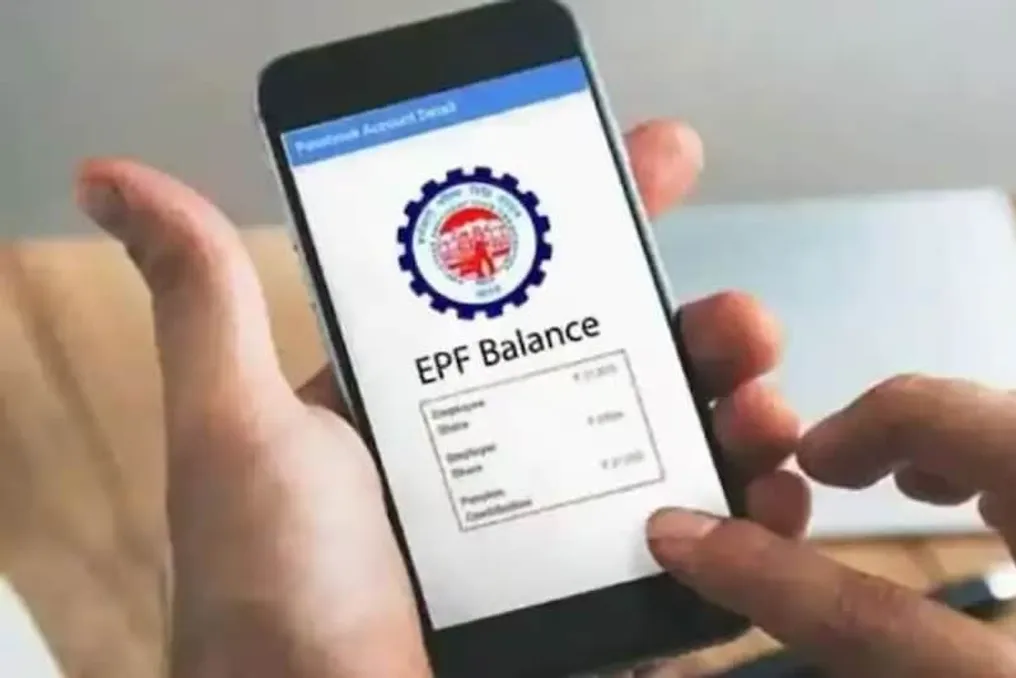
Every month's salary calculation includes deductions for the Provident Fund (PF), and many assume that this money is securely deposited into the account. However, it is important to verify whether the amount deducted from the salary has actually been credited to your account. If this has not happened, you should make this small check a regular habit, as the presence of a deduction on the payslip does not guarantee that the funds are reflected in the EPFO records.
Employees in the labor sector are advised to check the Employees' Provident Fund Organisation (EPFO) e-passbook every two to three months. This allows you to ensure that contributions to PF are being made correctly by both the employee and the company, according to your UAN. Many people feel reassured just by looking at the payslip, but if funds have not been deposited in any given month and this is not known in time, it can cause problems when changing jobs, transferring PF, or at the time of retirement.
To reconcile, you need to compare the payslip with the e-passbook monthly. If PF was deducted from the salary for April, the contribution for April should also be displayed in the passbook. It is important to check not only the employee's share; you must also monitor the amount contributed by the company and the funds directed to the Employees' Pension Scheme (EPS). This will give you confidence that the entire amount is being deposited into your PF account properly.
According to established rules, the company is obligated to deposit the PF deducted from the employee's salary and its own share within 15 days after the end of the month. For example, the PF contribution for April must be deposited in EPFO by May 15th. Nevertheless, if the entry does not appear in the passbook immediately after receiving the salary, there is no need to worry, as there may be delays due to processing or technical reasons. But if entries appear in subsequent months, and data for an old month is missing, this should not be ignored, as it may indicate a problem requiring attention.
There are several simple ways to get information about the Provident Fund. Firstly, through the EPFO Member Passbook portal: you need to log in using your UAN and password, select the relevant member ID to view the deposited amounts and other records. Secondly, through Passbook Lite: this service provides simple information about PF accumulations, withdrawals, and balance. Thirdly, through the Umang application: you can check the PF passbook and balance on your smartphone by finding EPFO in the services section of the Umang app, and then checking the PF balance by entering your UAN and password.
If you have worked for multiple companies, you may have several member IDs under one UAN. Therefore, to view the PF records of an old company, you must select the specific identification record. When joining a new company, you should provide your old UAN instead of creating a new one. Furthermore, the name, date of birth, and KYC information must be identical and correct. This simplifies merging old PF accounts with a new job and transferring funds.
If PF is deducted from the salary but the amount is not displayed in the e-passbook, you should first wait a few days. If the entry still does not appear, you need to contact the payroll department or HR of the company. If a company deducts PF from an employee's salary but does not remit it to EPFO, this is a serious violation. In such a case, action may be taken against the company in accordance with EPFO rules.
Check for just 5 minutes every 2-3 months
PF represents a significant sum intended for your retirement. Therefore, monitoring this fund should not only happen upon resignation or retirement but also during employment. Dedicate a few minutes every two to three months to cross-check the payslip and the e-passbook. If the amount for any month is missing, find out about it early. Detecting a small error promptly will prevent serious difficulties during PF transfer, withdrawal, or retirement.

