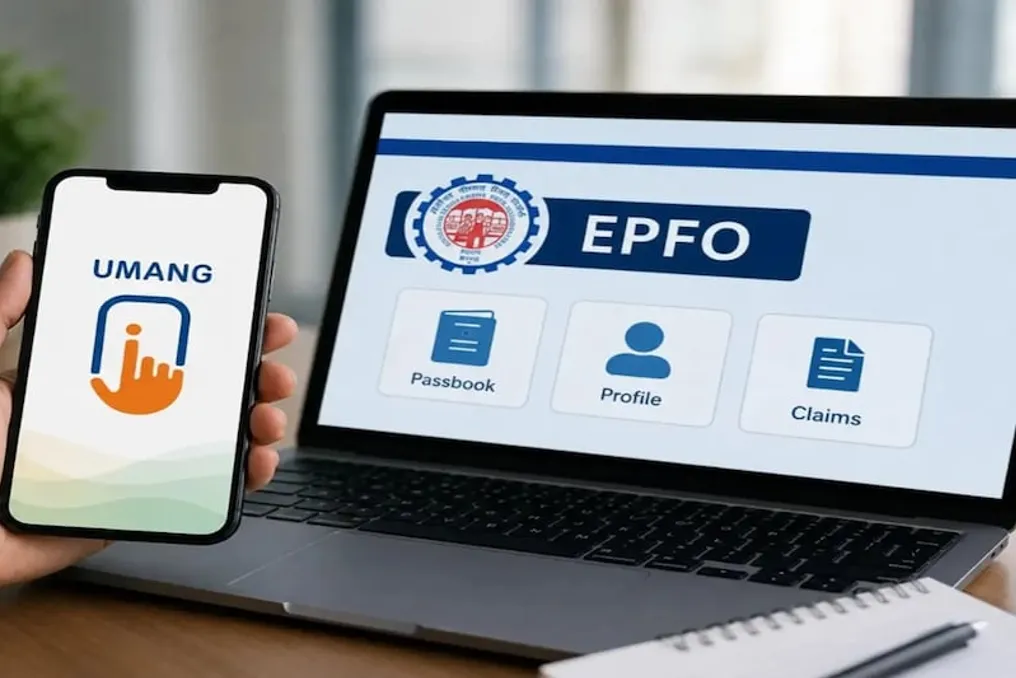
The Employees' Provident Fund Organisation (EPFO) has introduced a new feature to simplify its operations. Now, employees can create their UAN or activate an existing UAN using the UMANG app from home without visiting the office. This process utilizes Aadhaar-based face authentication, significantly reducing the need for extensive paperwork and office visits.
Once the UAN is activated, users can avail various online services provided by EPFO. These services include checking EPF balance, downloading passbooks, filing claims, tracking claim status, and updating KYC details. This move is part of EPFO's effort to make its services more digital and accessible. The Ministry of Labour and Employment announced this feature on social media platform X on September 4, 2026. According to the Ministry, reliance on physical and manual verification will decrease due to face authentication.
This feature is particularly beneficial for employees who are connecting with the EPF system for the first time and need to obtain a new UAN. Additionally, those who already have a UAN but it is inactive can activate it through the UMANG app. To create a new UAN, a valid Aadhaar number, a mobile number linked to Aadhaar, and the Aadhaar Face RD application are required.
In the process of creating a new UAN, the user must select the 'UAN Allotment and Activation' option in the UMANG app. Subsequently, they need to enter the Aadhaar number and mobile number and provide consent. The system verifies the OTP sent to the mobile number linked to Aadhaar. If no UAN is found in the system, Aadhaar Face RD is used for face authentication. After the face scan is successful, the new UAN is sent to the registered mobile number.
If an employee's UAN already exists but is inactive, they can use the 'UAN Activation' option in the UMANG app. For this, it is necessary to enter the UAN, Aadhaar number, and mobile number. Following this, the OTP must be completed by giving consent for Aadhaar verification. Upon successful face authentication by UIDAI, the UAN becomes active, after which the member may receive the UAN and a temporary password via SMS.
After successful verification, verified photos and addresses can also be updated in EPFO records, reducing the need for various authentication procedures. The option of face authentication is also available for members with an active UAN. Upon giving consent, UIDAI checks the identity, and the verified information is recorded in EPFO's records.
During the process of creating or activating a UAN, issues such as entering an incorrect Aadhaar or mobile number, OTP failure, or incomplete face authentication may arise. In such situations, the entered information should be rechecked, and the OTP or face authentication process should be retried. If the problem persists, it is advisable to contact EPFO's helpdesk.
After the UAN is activated, members can utilize several digital facilities of EPFO. These include checking EPF balance, applying for advance EPF claims, downloading EPF passbooks, tracking claim status, updating KYC details, and using other online services related to UAN.
The UMANG app was developed by the Ministry of Electronics and Information Technology and the National e-Governance Division. This application provides digital access to multiple government services on a single platform. EPFO's UAN-related services are also being simplified through this digital platform. This new system will especially benefit employees who are getting a UAN for the first time or need to activate an old UAN, as Aadhaar-based face authentication helps make the entire process faster and less manual.