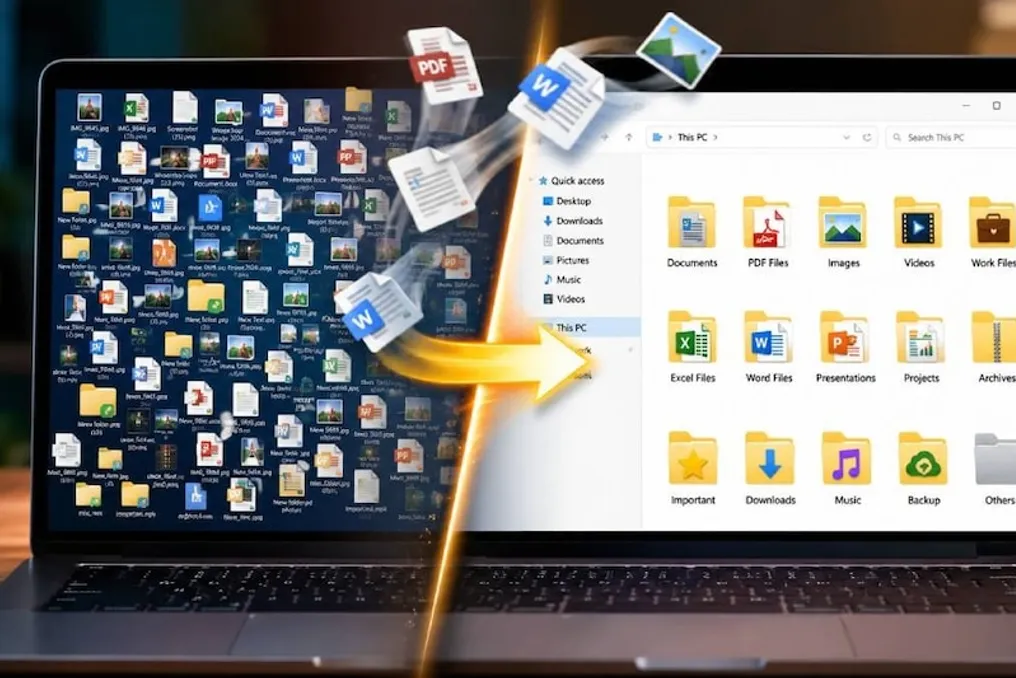
When working on a laptop, a large number of files often accumulate, which can gather in the 'Downloads' folder or be scattered across the desktop as photos, videos, and other documents. As a result, finding the right file at the right time takes a lot of time.
If you regularly download many files, you are familiar with this problem. Manually moving every file into a separate folder, renaming, and sorting old files is a laborious process. However, there is a tool that can significantly simplify this task.
Automatic File Organization
To solve this problem, you can use a Windows program called File Juggler. In it, the user can set specific rules. After that, files will automatically move to the corresponding folders according to the established rules.
For example, if you download PDF files daily, you can create a rule that automatically moves any PDF file that lands in a specific folder to another target folder. This way, you won't have to manually move the file from one directory to another every time.
Reducing Clutter in the Downloads Folder
The 'Downloads' folder often fills up with files of various types. Some of them are critically important, others will be needed later, and some may never be opened. Because of this, after a few days, it becomes unclear where each file is located.
With rules created in File Juggler, files can be directed to different locations based on their type, name, or other information.
File Renaming Capability
Sometimes downloaded files have names that make it impossible to understand their content. In such cases, they have to be renamed one by one. File Juggler allows you to create rules for renaming files, which reduces the need to perform repetitive manual operations.
The Desktop Will Stay Clean
If your laptop desktop is cluttered with photos, PDF documents, and other files, this tool can be useful. With the help of rules, files can be automatically sent to the correct folders. Furthermore, rules allow tasks such as automatic extraction of ZIP archives.
Set Up Once, Work Constantly
Such tools are especially beneficial for people who work with a large volume of files daily. Once the rule is set up correctly, it will work independently thereafter.
However, caution should be exercised when creating rules. Incorrect configuration can lead to an important file ending up in the wrong place or being deleted. Therefore, it is recommended to first test the program on unnecessary files instead of manually sorting every file in the traditional way; some tasks can be entrusted to the computer.