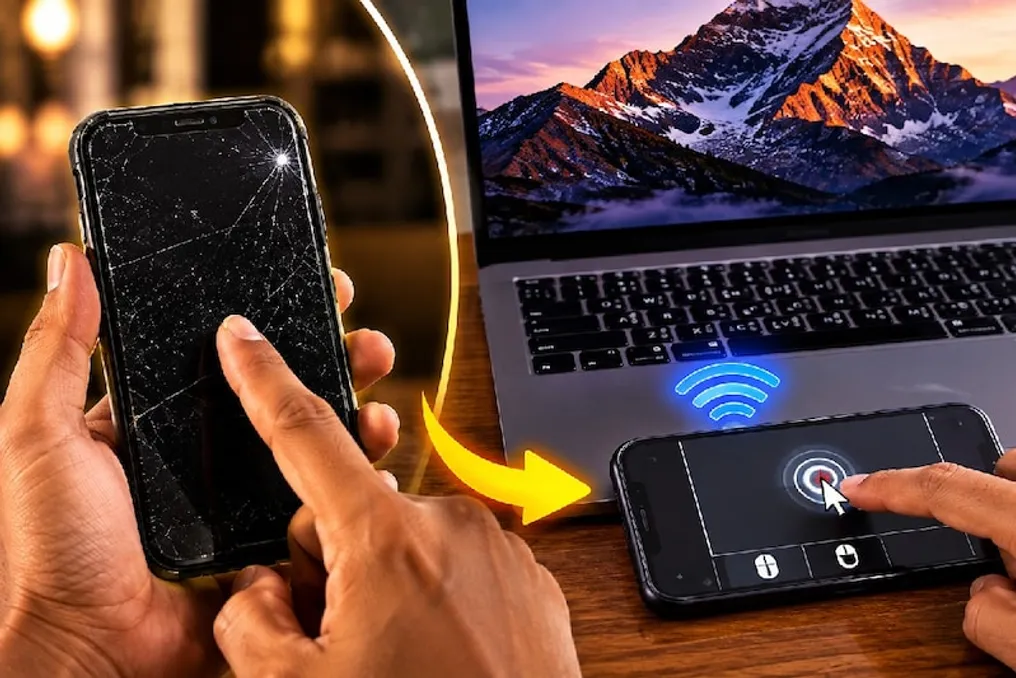
After purchasing a new smartphone, old devices often remain unused and can be thrown away. However, if you have such an old, non-functional smartphone, it can be used to create various technical products that simplify daily tasks, especially if buying a new gadget is not possible.
Although new smartphone models are replacing older ones, the old device still possesses sufficient computing power to perform a number of small tasks, allowing it to remain useful.
Using an old smartphone, you can create a wireless mouse by connecting it to a laptop or computer. This option is relevant if the user does not have a wired mouse or if the laptop's touchpad has failed. Creating such a mouse only requires an old phone and a computer or laptop.
Although the hardware of old smartphones is reliable enough for this function, special software is required to implement the project, capable of ensuring communication between the phone and the computer. For this, you can use applications available in the Google Play Store or Apple App Store; they are offered in both paid and free versions.
The first step is to install such an application on the old smartphone. Then, you need to install the corresponding desktop version of the same software on the computer or laptop, which is available for both Windows and Mac operating systems.
After installation, the application opens on the phone, where a connection option to the computer appears. Both devices must be connected to the same Wi-Fi network, after which they connect via a function provided in the application. Once the connection is established, the old smartphone begins to function as a wireless mouse, allowing the old phone to be reused without the need to purchase a new mouse.