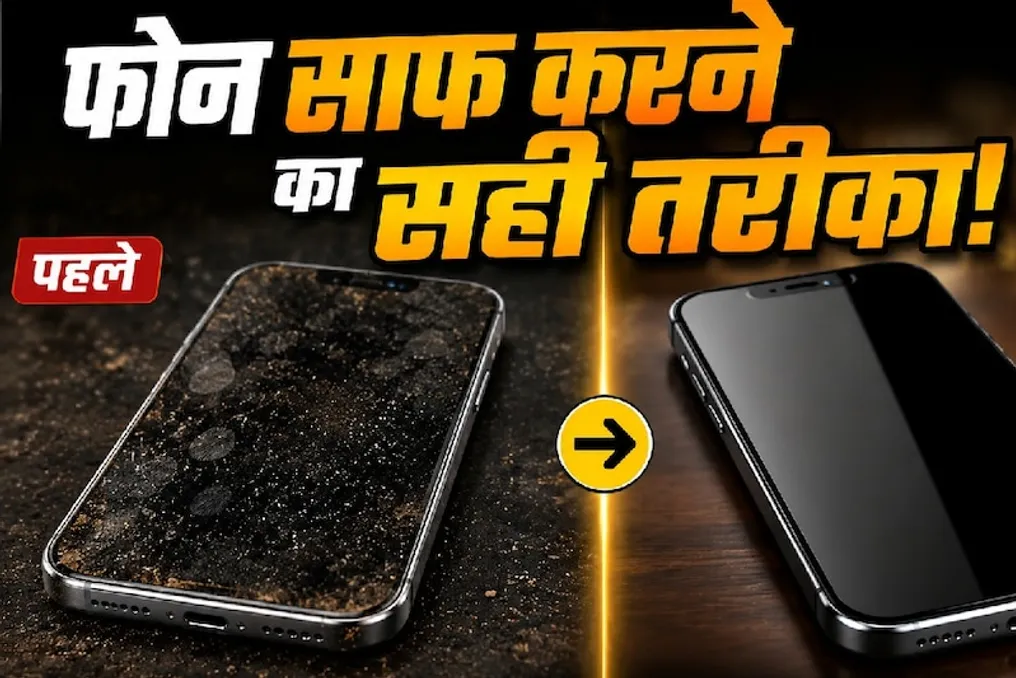
The smartphone has become an integral part of life today, being in the user's hands almost all day. It is used outside the home, during meals, and often comes into contact with dirty hands. As a result, dust and dirt gradually accumulate on the screen, camera, and charging port. Therefore, keeping the smartphone clean is important not only for its appearance but also for the correct operation of the device.
Before starting the cleaning process, you must turn off the phone and disconnect it from the charger. Then, use a microfiber cloth to gently wipe the screen and back panel. It is important not to wet the cloth too much and to avoid spraying any liquids directly onto the device.
Fingerprints and greasy spots quickly appear on the phone screen. If they are not removed, the screen starts to look untidy, and sometimes problems with touch control arise. To clean the screen, it is recommended to use a microfiber cloth, wiping the surface very carefully.
Dust or fingerprints on the camera lens can degrade the quality of photos and videos taken. The lens should also be wiped slowly with a microfiber cloth, and it is strictly forbidden to use any sharp objects.
The charging port is a zone where dirt accumulates, as fine dust particles can enter it when stored in pockets or bags. Excessive dirt accumulation can interfere with proper connection during charging. However, it is extremely dangerous to try to clean the port by inserting a needle, pin, or any other metal object, as this can lead to port damage.
Dust can also accumulate in the speaker and microphone grids. When cleaning these elements, excessive pressure should be avoided. Additionally, dirt around the edges and buttons of the phone needs to be cleaned with a cloth.
Aggressive chemicals, perfumes, sanitizers, or excessive amounts of water should not be used when cleaning the phone, as this can damage the screen's protective coating. If you decide to use a cleaning liquid, be sure to read your phone's operating manual.
If you use your phone daily, it is recommended to perform a light cleaning approximately every few days. Special attention should be paid to the screen, camera, and those parts of the body that you touch most often. By exercising such caution, your smartphone will remain clean, and you can avoid minor issues caused by dust and dirt.