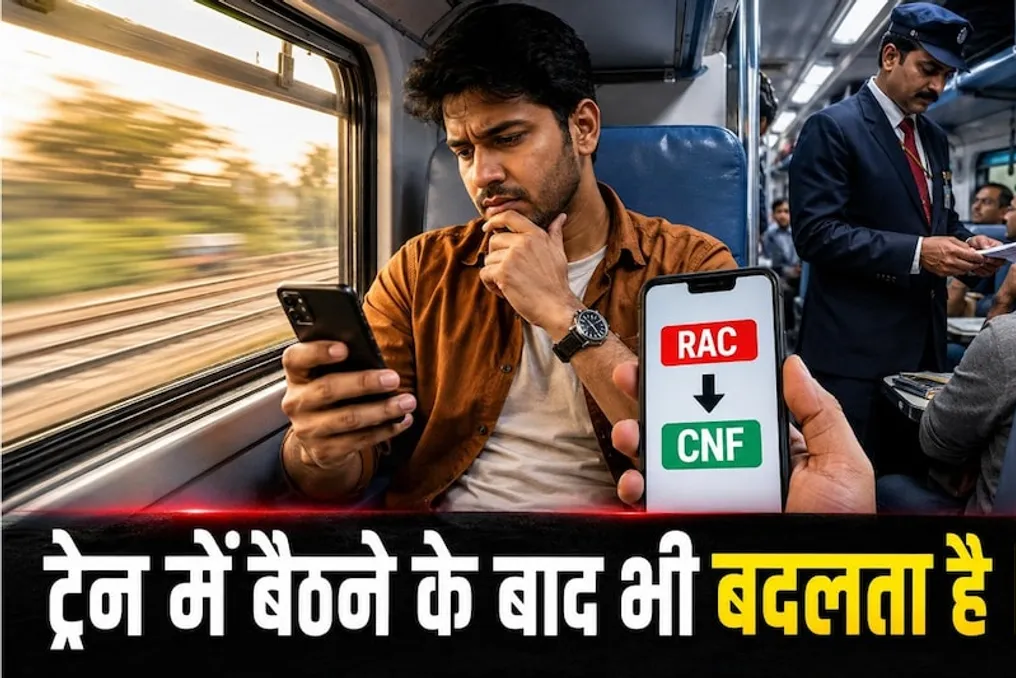
For passengers traveling by train, ticket confirmation is a primary concern, especially if the ticket is issued as RAC (Reservation Against Cancellation). When booking tickets, passengers often doubt whether they will receive a full seat on the train after boarding. Sometimes, even after the train departs, passengers do not know if their RAC ticket has been confirmed or if it is still in RAC status. If this happens to you, there is no need to worry; there are simple ways to find out if your RAC ticket has been confirmed, even while on the train.
The simplest way to check the status of an RAC ticket after boarding is to check the PNR status. When you booked the ticket, you were assigned a 10-digit PNR number. Using this number, you can see the current status of your ticket. To do this, you should go to the IRCTC website or app and select the PNR status check option. After entering the PNR number, the current ticket status will be displayed to you.
If your ticket is confirmed, the status will show CNF, which means 'Confirmed'. In this case, information about your seat or compartment number may also be displayed. However, if the status still shows RAC, it means your ticket has not been fully confirmed yet.
Many passengers assume that once the train schedule is set, the ticket status cannot be changed. However, this is not always the case. Some passengers do not travel on the train, and others cancel their tickets. In such situations, the vacated seat may be provided to passengers with RAC tickets. This is why passengers with RAC tickets can receive a full seat even after boarding the train. Therefore, if your ticket was in RAC status when the train departed, it is not necessarily true that you will travel in RAC status throughout the entire route.
You can also get information from the TTE. If it is difficult for you to check the PNR via mobile phone or you do not understand the status, you can approach the TTE (Travelling Ticket Examiner) who is on the train. The TTE has access to the train's reservation schedule and passenger seating information. They can inform you about the status of your seat and who has been allocated the vacant seat. Often, passengers do not arrive at their seats, and such vacant seats can be allocated to passengers with RAC tickets. Therefore, contacting the TTE will allow you to get the most up-to-date information about your seat or compartment.
This is another question that arises for passengers with RAC tickets. In fact, an RAC ticket does not mean that your ticket is on a waiting list and that you cannot board the train. A passenger with an RAC ticket has the right to travel on the train. Nevertheless, usually, a passenger in RAC receives shared accommodation instead of a full seat. If a seat becomes available later and is allocated to you, your journey may become more comfortable. Therefore, when receiving an RAC ticket, you should not immediately cancel it or worry.
To do this, you can check two things. First, recheck your PNR status. If it shows CNF, then your ticket is confirmed. Second, check the information about your seat or compartment. If you have been allocated a full seat, this information will be visible in the ticket status. In case of any doubts, the simplest way is to confirm the information with the TTE.
Passengers with RAC tickets must remember one thing: they should not occupy a vacant seat on their own just because they think it has become free. It is necessary to ensure the allocation of the seat through the TTE. If any seat becomes vacant, the decision on which passenger it will be allocated to is made according to railway rules. Therefore, next time, if your ticket is in RAC status, there is no need to worry. After boarding the train, check your PNR status, look at the new ticket status, and if necessary, get information from the TTE. Thus, finding out whether the RAC ticket status has changed after boarding the train is quite simple. Just monitor your PNR and be sure to check the seat allocation information.