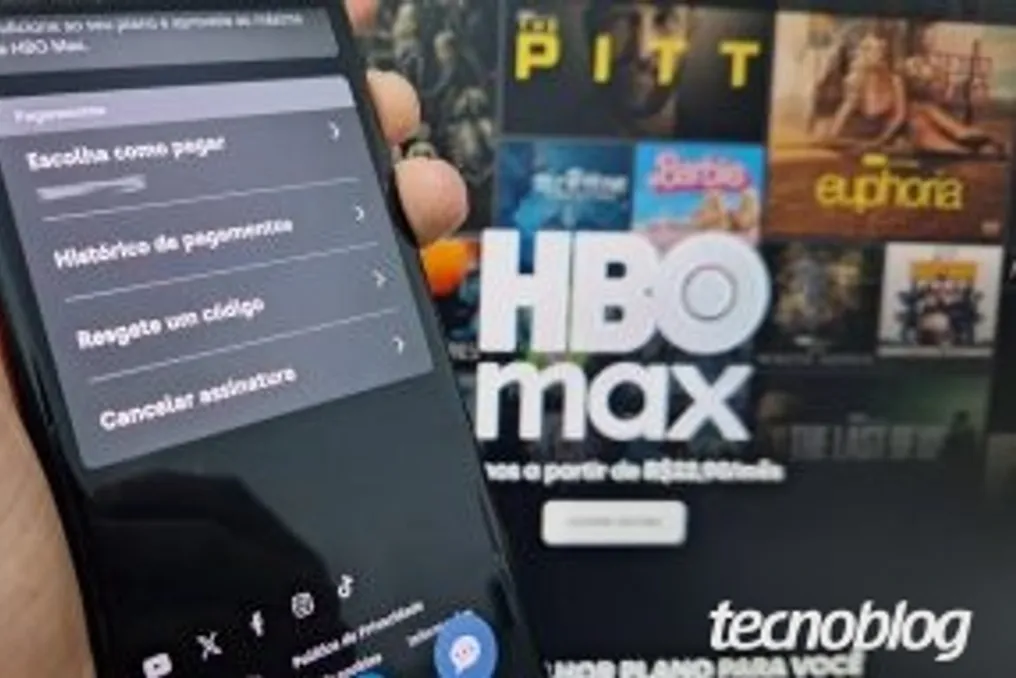
The first essential step to canceling your HBO Max subscription, formerly known as Max, is to determine which official channel was used to subscribe to the service. The platform operates through various payment methods, including app stores, carriers, or streaming partners, which precisely defines where and how the cancellation must be made.
It is crucial to know who is making the charge to ensure the subscription termination process occurs correctly and to prevent any unwanted debits. It is important to note that simply uninstalling the application from your mobile phone or Smart TV does not end the contracted plan.
To assist with this process, the text details how to identify the payment platform and subsequently how to proceed with canceling HBO Max.
Discovering the Subscription Origin
If the subscriber needs to cancel HBO Max but does not remember how they subscribed, the recommended starting point is to check the settings available on the official website. You can access hbomax.com/subscription to verify, in the plan header, which partner company is responsible for the charge, whether it is an app store or a carrier.
If the panel does not provide this detailed information, the user can trace the origin by checking their credit card statement or looking for confirmation invoices in their email inbox. Knowing the payment intermediary makes it simple to direct oneself to the appropriate portal and terminate the subscription without difficulty.
Cancellation Methods in Brazil
After identifying the billing platform for the HBO Max subscription, the user must follow the specific procedure corresponding to cancel the streaming service. It is reiterated that uninstalling the application on mobile devices or Smart TVs does not interrupt automatic billing; definitive termination requires direct action on the streaming platform or the app store where the payment was initially registered.
Cancellation via Browser (PC or Mobile)
Subscribers who formalized the contract directly through the official HBO Max website should follow these steps: access the page hbomax.com/subscription using a browser on a PC or mobile phone and log in with your credentials, if necessary. Then, scroll down the page to the section labeled 'Payments' and select the 'Cancel subscription' option. The process is finalized by clicking 'Continue to cancel' and following the instructions presented on subsequent screens.
Cancellation via Play Store (Android)
Users who subscribed through the Android app store must perform the following steps to cancel HBO Max: open the Play Store app on the Android device and tap the profile picture or initials located in the upper right corner. You must access the 'Payments & subscriptions' menu and, on the next screen, select 'Subscriptions' to view all active services in the Google Play account. Locating HBO Max in the list of contracted services, click the icon to open the plan data management screen. Finally, select 'Cancel subscription' at the bottom of the page, choose a reason for termination, and confirm again by clicking 'Cancel subscription' to complete the process.
Cancellation via App Store (iPhone)
iPhone or iPad owners who contracted HBO Max through the App Store need to take the following measures to stop the streaming service charge: open the App Store on the device and tap the icon with the profile picture or initials located in the upper right corner of the screen. Next, you must access the 'Subscriptions' menu to see the detailed list of services linked to the Apple ID. After locating and selecting HBO Max, access the subscription settings panel. Cancellation is completed by tapping 'Cancel subscription' at the end of the page and following the provided instructions.
Cancellation via Mercado Livre (Meli+)
Meli+ customers who opted to subscribe or receive a discount when contracting HBO Max should follow these steps for cancellation: open the Mercado Livre app on the mobile phone and select the 'More' tab, located in the bottom right corner. Navigate to the 'Subscriptions' menu to view services associated with Meli+. Select 'HBO Max' to open the screen containing the streaming account details and settings. Scroll down the page to the end and press the 'Cancel subscription' button to start the procedure. Subsequently, scroll to the end again, tap 'Continue to cancel', and adhere to the final instructions to finalize the HBO Max cancellation.
Cancellation via Amazon Prime Video Channels
For Prime Video users who contracted HBO Max using the Amazon service channels feature, the steps for cancellation are: open the Amazon Prime Video app on the mobile phone and tap the '+' icon, located in the upper right corner. Click on 'Manage your subscriptions' to list all Prime Video channels linked to the profile. Find HBO Max in the list, select 'Cancel subscription', and confirm the request within the pop-up window to close the account.
Cancellation via Roku
Those who contracted HBO Max through the Roku platform must take the following actions to cancel the streaming service: access the website my.roku.com via a PC or mobile browser and log into the account, if necessary. Tap the icon next to 'My Account' in the upper left corner and choose 'My subscriptions'. Locate 'HBO Max' among the active subscriptions linked to the profile. Then, tap 'Manage subscription' and finally disable the automatic renewal option to cancel HBO Max.
Cancellation via Samsung TV
In the case where the HBO Max subscription was made through the Samsung TV, the procedures for cancellation are: access the portal samsungcheckout.com via the browser and log in with the same data as the Samsung account registered on the TV. Open the 'Purchase History' menu and select the 'Subscriptions' tab to view active recurring services. Locate the HBO Max plan in the list and press 'Cancel subscription' to complete the request.
Frequently Asked Questions About Cancellation
Is it possible to cancel only the HBO Max Extra Member?
Yes, it is possible to remove only the Extra Member paid in HBO Max without affecting the main streaming service subscription. To do this, you must access the subscription panel, navigate to the 'Current Additional Plans' section, and confirm the removal of the add-on. By terminating this additional service, the extra charge will be suspended on the next invoice, but the guest profile will remain active until the end of the current cycle. For standard profiles without additional costs, simply go to profile management and delete the desired account, eliminating the history and saved content list without modifying the plan value.
Can I cancel a 12-month annual HBO Max subscription?
Yes, the subscriber can cancel the annual HBO Max plan at any time to prevent automatic renewal at the end of the 12 months and avoid new charges. Upon completing the process, full access to the streaming catalog is maintained until the end of the already paid period.
Why does my subscription remain active after cancellation?
The act of canceling HBO Max serves solely to deactivate the automatic billing renewal and prevent future invoices, without interrupting immediate access. Thus, the service remains fully available until the last day of the billing cycle that has already been paid for, whether monthly or annually.
Is it possible to request a refund and permanently terminate the subscription?
Canceling HBO Max does not automatically generate a refund or a proportional reimbursement for remaining months. Refunds are treated as exceptions and depend on the billing intermediary, being evaluated individually in cases of incorrect charging or system failure.
Will my account be deleted when I cancel HBO Max?
No, canceling the HBO Max account only interrupts recurring charges, without deleting the user profile or history on the platform. Data is kept in the system to allow for future reactivation of the plan. If there is interest in removing the data, you must access hbomax.com/account-delete and request the permanent deletion of the information. The system will send a confirmation email, and by clicking 'Delete my account', the user authorizes complete deletion within 7 days.