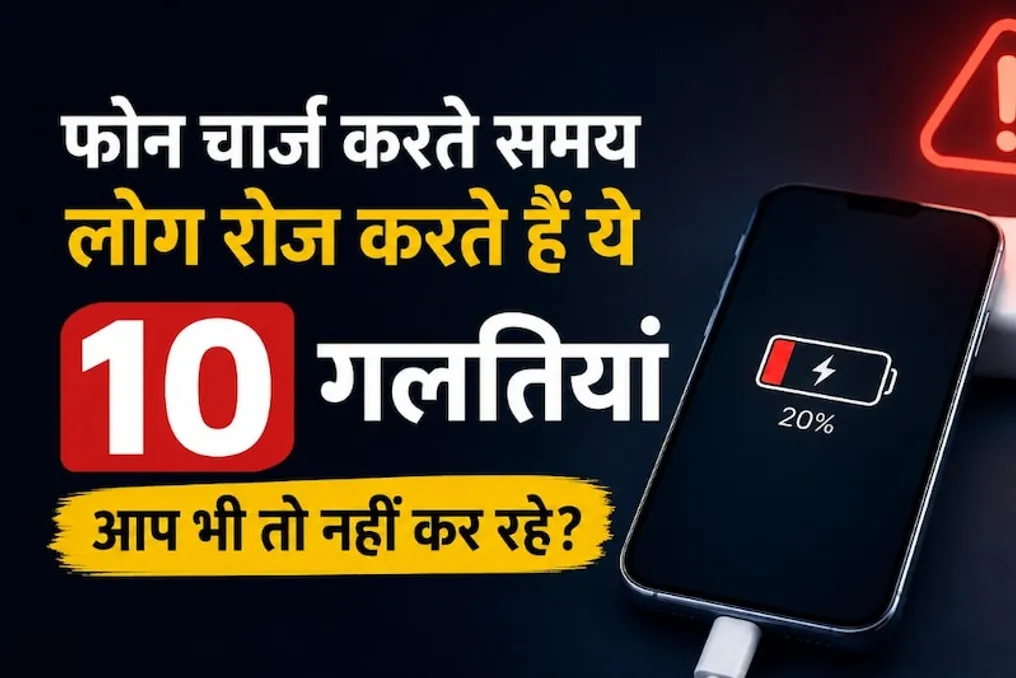
The modern phone has become an integral part of daily life, accompanying people from morning till night. To prevent battery discharge, users regularly charge their devices. However, mistakes are often made during the charging process that users usually overlook.
These mistakes include using low-quality cables, purchasing inexpensive chargers, or leaving the phone charging despite it heating up. Some of these actions may only slow down the charging process, while using defective or counterfeit accessories, exposure to moisture, and excessive heat can cause serious damage to both the phone and its battery.
Both Apple and Google warn in their safety guidelines about the need to avoid using faulty cables, poor chargers, moisture, and high temperatures.
Disadvantages of Cheap Cables
The fact that a cable simply connects to the phone does not guarantee its quality. A defective or damaged cable can cause problems with the charging process. Google recommends using cables that came with the phone or reliable ones that meet established standards. The cable should not be used if it has cuts, exposed wires, or if the connector itself is damaged.
It is especially dangerous to use such cables for fast charging if they do not provide sufficient capacity for the needs of that phone.
Stop Charging If the Phone Overheats
Slight heating during charging is normal. However, if the phone becomes too hot, this cannot be ignored. According to Apple, at very high temperatures, the phone may temporarily suspend operation, and prolonged exposure to heat will negatively affect the battery's lifespan. If the device gets very hot, it should be moved to a cool place and charging stopped if necessary.
Avoid Placing It Under a Pillow or Blanket
This habit can be dangerous. Heat is generated during charging from both the phone and the charger. If the phone is placed under a pillow, blanket, or in a place where air does not circulate, heat dissipation is hindered. Apple and Google advise placing the phone in a well-ventilated area while charging and not putting it under a blanket or pillow. Therefore, you should not charge your phone at night by pressing it against the bed or under a pillow.
Do Not Charge If Water Gets Into the Port
This is strictly prohibited. If there is moisture or condensation in the phone's charging port, connecting the cable can lead to problems. According to Google, if there is moisture in the phone or its port, the charger should be disconnected and allowed to dry. Apple also states that the phone should not be charged until it is completely dry after contact with water. Furthermore, Google does not recommend using a hairdryer or other sources of hot air to speed up drying a wet phone.
Do Not Ignore a Loose Charging Port
If the cable constantly falls out or the charging stops with slight movement, this should not be considered normal. The cause may be dust or dirt accumulation in the port. Google warns against attempting to remove contents from the port yourself using any objects. If the port looks melted, warped, or damaged, it is best to consult an authorized service center for inspection instead of using it yourself.
Do Not Leave the Charger or Phone in the Sun or Hot Places
Charging a phone in a hot room or under direct sunlight is also undesirable. Apple notes that extreme temperatures can alter the phone's functioning, and prolonged heating shortens battery life. Therefore, you should avoid charging your phone in a car dashboard, under direct sunlight near a window, or near any heating appliances.
Modern smartphones manage the charging process themselves and monitor its completion once full capacity is reached. Consequently, the claim that a phone will immediately fail from overnight charging is not true. Nevertheless, it is not recommended to charge the phone for extended periods in high-temperature conditions. Therefore, it is preferable to charge the phone in an open, well-ventilated area rather than keeping it under a pillow or in bed.