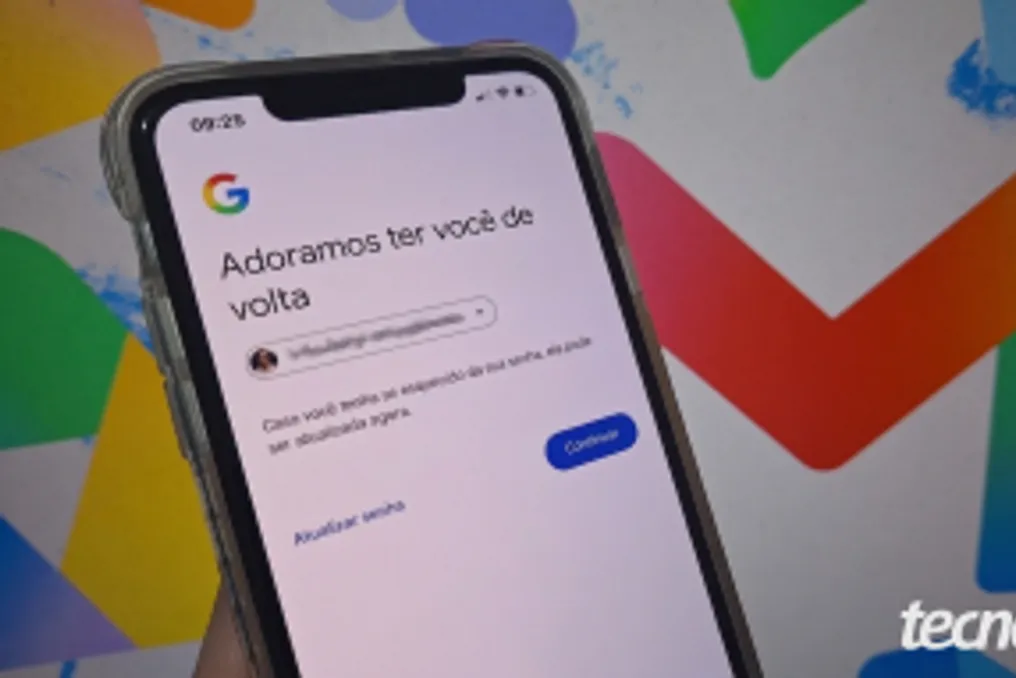
Gmail password recovery can be done on both computers and mobile phones, using the app or the official Google Account recovery pages. Validation procedures usually require codes sent via SMS, recovery emails, or confirmations on devices previously associated with the profile.
It is strongly recommended that the recovery process be initiated from a smartphone or computer that has previously been used to access the Google Account. Using familiar devices and Wi-Fi networks significantly increases the chances of success, as the system identifies this connection as trustworthy, facilitating validation.
Three methods to recover your Gmail password
One method involves entering the mobile phone number linked to the Google Account, including the country code (DDI) and area code (e.g., +5511991234567). Next, the user must accurately fill in the first and last name registered in the Google Account profile and proceed by clicking 'Next'.
After this, a verification code is sent via SMS to the registered number. The user needs to enter this numerical key in the designated field to prove their identity and click 'Next'. Finally, they select the desired Google Account, note down the email address, and follow the flow to reset the Gmail password.
Tips to increase your chances of recovering your Google Account and Gmail
There are several practices that increase the probability of success when recovering a Google Account and Gmail. It is advisable to try recovering the Google email using a device or Wi-Fi network that is frequently used, as the platform considers these connections trustworthy. Furthermore, you should avoid using VPNs and public Wi-Fi networks, making the request from a home or work environment without IP masking, to aid the recovery process.
Other tips include providing complete and accurate data when answering all steps of the verification form, avoiding random guesses. It is also useful to utilize alternative authentication methods, such as SMS codes, security emails, or confirmation alerts on the mobile screen. If it is necessary to recover the account from another device, one should opt for validation that the user still has direct access to. Lastly, to prevent blocks, it is important to review the information and try again calmly in case of failure, as multiple consecutive attempts can trigger security alerts and temporarily suspend the profile.
Frequently asked questions about Google Account recovery
Is it possible to reset the Gmail password even after changing the mobile phone number? Yes, this is feasible if the identity can be confirmed through other Google Account authentication methods. If the device remains connected, simply go to the security settings to generate a new access key. If it is disconnected, use the recovery page and select 'Try another way' to validate via an alternative email or backup codes. After recovering the Google Account, it is crucial to immediately update the registered recovery phone number to prevent future blocks.
Recovering the Gmail password on another cell phone is also possible, using the official recovery page in the new device's browser. If the SIM card with the registered number is in the new device, the SMS verification code will be received to validate access. However, if the phone is completely new and has a different number, recovery will depend on alternative methods, such as the recovery email, as this procedure is less likely to succeed on new connections or devices.
Google Account recovery by answering questions is possible because the system requests data about old credentials and registration details to verify ownership of the profile. To complete the process more securely, the user must finalize everything on a cell phone or PC that is habitually connected to their internet network, allowing the Google algorithm to compare access and location information.
Reasons that may prevent resetting the Gmail password include outdated or inactive security contacts, which prevents the sending of codes. Another factor is attempting access on unknown devices or networks, decreasing the algorithm's trust. Multiple consecutive attempts with incorrect data can lead to security alerts and temporary blocking. If two-factor authentication is active and there is no access to the recovery codes or the authenticator app, access will be suspended. Finally, recovery options cease to function if the profile is hacked, suspended, or permanently deleted.
Is it possible to recover a deleted Google account?
A recently deleted Google Account can be recovered within the grace period established by the system. This period is up to 30 days for personal profiles and up to 20 days for Google Workspace corporate accounts. To reactivate the profile, it is necessary to access the recovery page using a familiar device and location before the deadline expires. If the platform indicates that the email was not found, the deletion becomes permanent, making the recovery of files and data impossible.