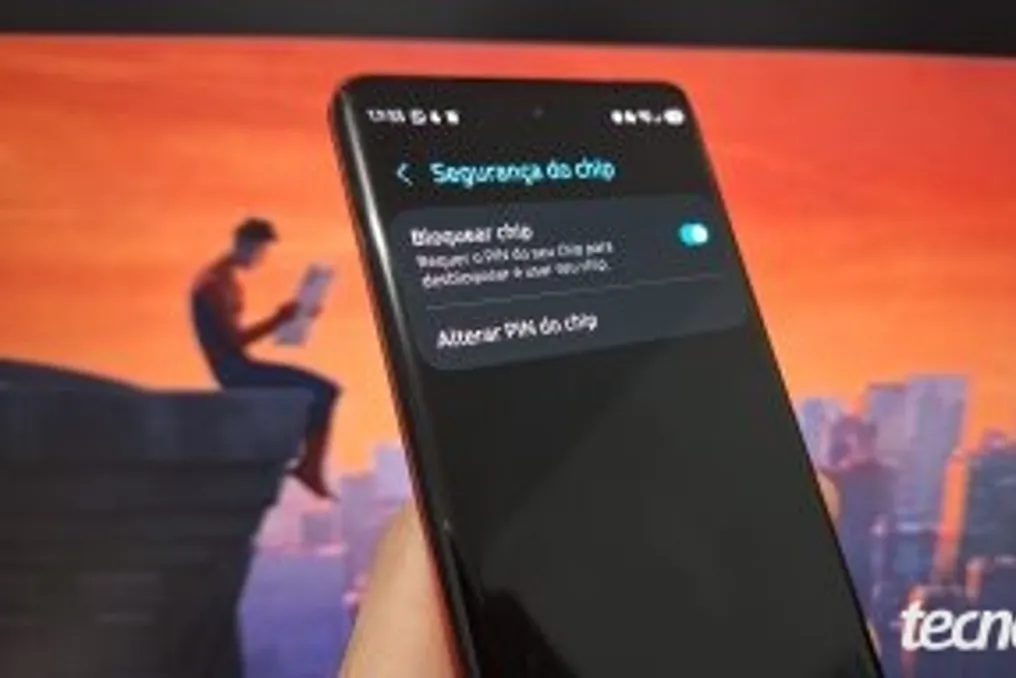
The process of disabling the SIM card PIN is carried out through the security settings on both Android and iPhone. This setting allows you to deactivate the standard or custom operator code, such as from Claro, Vivo, and TIM, thereby eliminating the need to enter a password when turning on the device.
However, disabling this feature makes the line vulnerable if the SIM card is inserted into another phone after theft. Without verification, third parties can use the number to receive confirmation codes from banks or social networks without any obstacles.
It is important to note that the SIM card PIN is not related to the screen lock password of Android or iPhone. While the system password protects photos, applications, and documents stored on the device, locking the card itself serves solely to protect access to the mobile line services.
A step-by-step guide on removing the SIM card password from Android and iPhone is provided below.
One way to recover the PIN is to check the data on the plastic card that comes with the SIM card. If using an eSIM or losing the packaging, you must contact the operator. This will allow you to obtain the original factory codes: PIN and PUK key.
If the PIN code is entered incorrectly three times, the card is blocked for security purposes and requires the PUK code to restore access.
Three consecutive incorrect entries of the SIM card password activate an automatic block in the operator's security system. To unblock the line and remove the PIN code from the card, you should enter the PUK code printed on the original plastic card of your line.
It is not recommended to guess the PUK combination, as ten incorrect attempts will lead to the irreversible failure of the card. If this happens, you will need to visit your operator's store to issue a new SIM card and restore the number.