Raspberry Pi has released a new official accessory, the 10-inch Raspberry Pi Touch Display 2, which has the potential to convert the Raspberry Pi 5 into a device with characteristics similar to a tablet or serve as a dedicated monitor.
Raspberry Pi has released a new official accessory, the 10-inch Raspberry Pi Touch Display 2, which has the potential to convert the Raspberry Pi 5 into a device with characteristics similar to a tablet or serve as a dedicated monitor.
This display features a resolution of 1200 x 1920 pixels, offers viewing angles of up to 85 degrees, and supports up to ten simultaneous touches. Unlike smaller versions, this 10-inch model uses an IPS TFT panel, whereas previous displays employed a more basic TFT LCD.
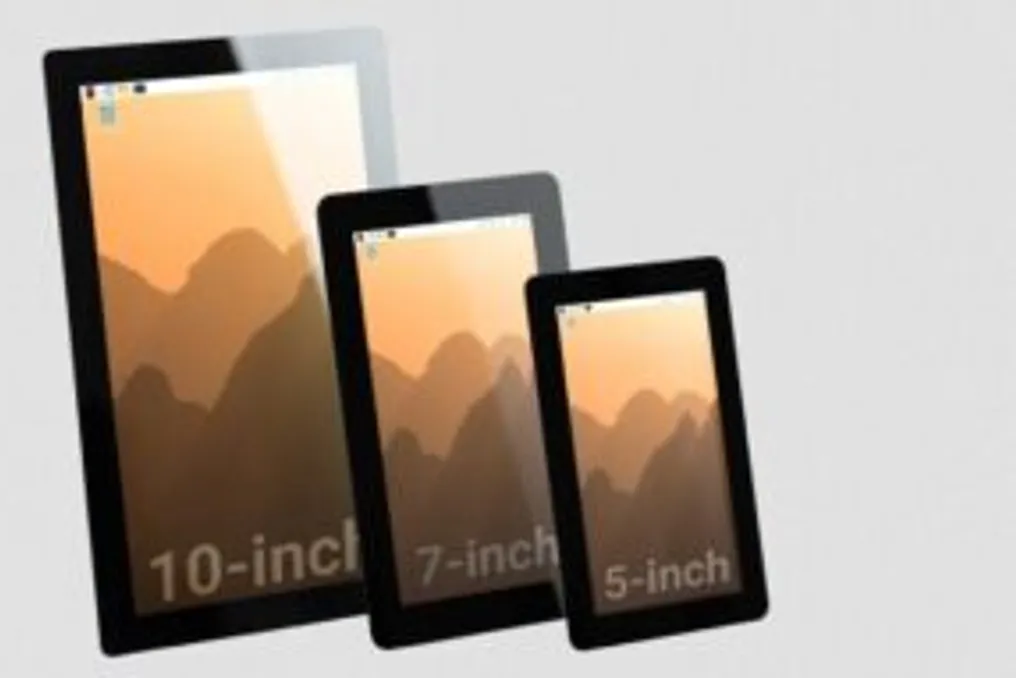
Previous versions of the Raspberry Pi Touch Display 2 were already available in 7-inch and 5-inch sizes. The arrival of the 10-inch version aims to meet the demand for larger screens and incorporate more advanced features. For example, the resolution of this new display surpasses the 720 x 1280 pixels of the smaller models, and its touch controller supports ten simultaneous touches, compared to the maximum of five touches in other variations.
Regardless of the size selected, the Raspberry Pi Touch Display 2 can be applied in various scenarios, such as payment terminals in kiosks, control panels for industrial equipment, access management systems, or even in customized home automation solutions. Currently, the 10-inch version is available for purchase at the official price of US$ 80 (equivalent to R$ 406 in direct conversion). The 7-inch and 5-inch versions cost US$ 60 and US$ 40, respectively.
It is important to note that the Raspberry Pi Touch Display 2 is designed exclusively to work with the Raspberry Pi 5 and Raspberry Pi Compute Module boards. Older boards, such as the Raspberry Pi 4 and preceding models, are not compatible with this screen.
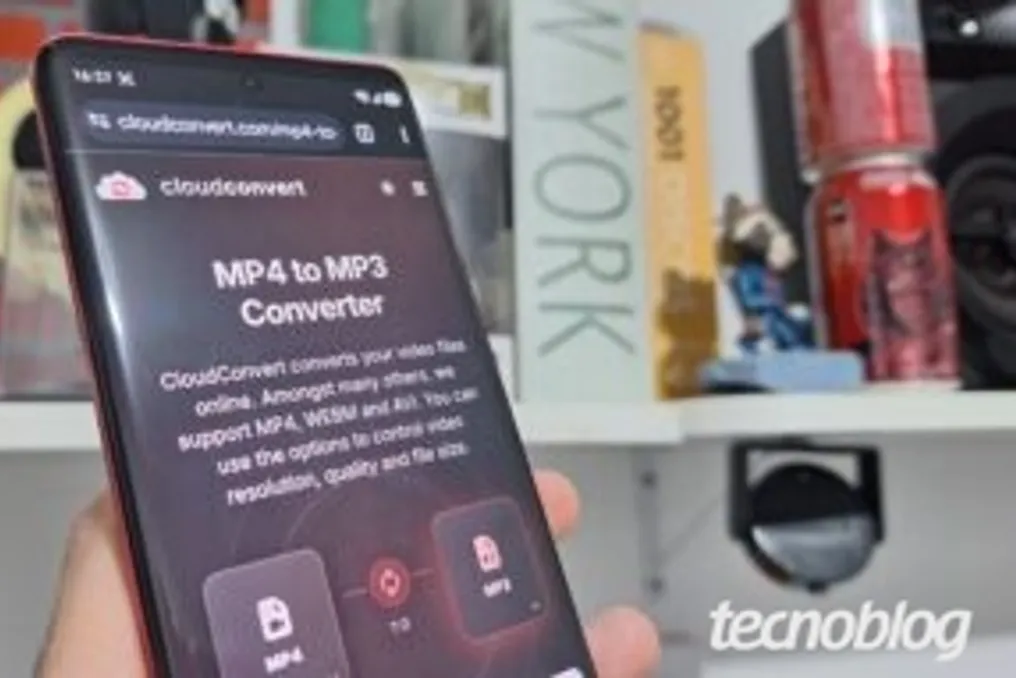
Converting videos to MP3 format serves to isolate the audio from materials such as lectures, podcasts, and music clips, resulting in lightweight files suitable for listening on various devices. Tecnoblog selected these platforms based on their ease of use, intuitive interface, and ability to support the most common formats.
Generally, the procedure is quite simple and can be performed directly through the browser, whether on computers or mobile phones, requiring no installation. The user only needs to upload the local file or enter the desired link into the online tool for it to extract the audio track in seconds.
Below is the updated list of websites for converting video to MP3 chosen by Tecnoblog, detailing the pros and cons of each:
This converter allows transforming video to audio directly in the browser, accepting uploads from mobile or computer. After sending the file, selecting the format, and clicking 'Convert all', the material is processed for audio download. The positives include being completely free, having no intrusive ads, and supporting simultaneous conversion of up to three files. However, there is a 100 MB limit, restricting longer videos, and cloud processing may be slow on less powerful devices.
FreeConvert facilitates obtaining audio from videos, accepting files from devices, direct links, or cloud services like Google Drive and OneDrive. Before starting the conversion, the tool offers intuitive features to cut and adjust the sound. Its benefits are extensive parameter customization, such as bitrate, and a good level of security, ensuring automatic deletion of files from servers after a few hours. The disadvantage lies in the variation of cloud processing speed depending on the connection, and the free 1 GB limit forces the user to opt for the paid version for larger files.
Y2meta transforms video to audio by pasting the content URL into the search box, processing the media directly in the browser. In Tecnoblog's tests, it worked well for converting YouTube content to MP3, allowing bit rate selection before downloading. Advantages include working on any browser, offering unlimited conversions, and not requiring registration or installation. However, excessive ads and redirects to pop-ups were observed, which can lead to clicks on fake downloads and exposure to adwares.
CloudConvert simplifies audio extraction, accepting files from devices, direct links, or clouds (Google Drive, Dropbox). It also converts YouTube content to audio, allowing sound adjustments and cuts before generating the final file. It is praised for working on any system without installation, natively integrating with cloud services, and offering advanced control over codec, bitrate, and volume. The limitation of the free version is 10 daily conversions for files up to 1 GB, requiring credits or a paid plan for higher demand.
In tests conducted by Tecnoblog, Musify (iTubeGo) managed to convert videos to MP3 from copied links from online platforms or local files. It serves as a practical solution for YouTube audio, giving full control over the format before saving. The positive aspects are support for various extensions besides MP3, such as WAV and FLAC, and automatic preservation of metadata (artist, track name, and cover). The negative point was the trial version, which imposed severe restrictions, requiring a paid license for unlimited conversions and batch downloading.
Convertio allows transforming video to audio directly in the browser, importing files from devices or clouds like Google Drive and Dropbox. Besides choosing MP3, it is possible to adjust parameters such as bitrate, frequency, and audio channels. Its qualities include operating on any system without software, using 100% remote server processing, and supporting a wide variety of formats and codecs. The free version, however, restricts the maximum file size to 1 GB per upload, and the waiting time depends entirely on internet speed.
This converter facilitates saving audio from videos by uploading local files, cloud media, or direct links. It offers options to adjust format, sound quality, and customize track data when converting YouTube content to MP3. It stands out for its clean interface and compatibility with various audio formats beyond MP3. However, the page is not optimized for mobile phones, and cloud processing can make uploading and converting large files slow on weak connections.
UniConverter Online allows transforming video to audio in the browser by importing media saved on the device. In Tecnoblog's review, it acted as a practical MP3 converter, requiring only the selection of the output format to start extraction. The strengths are the simple interface, broad compatibility with audio formats, and fast cloud processing, supported by an established company. The limitation of the free version is only three files per day, and this quota was deducted even when importing media without performing the conversion.
YTMP3 simplifies audio extraction by pasting the content link into the browser's search field. The video-to-audio conversion process occurs quickly on remote servers, generating a direct download link. It is valued for its agile and fully online processing, without the need for registration or installation. The main disadvantage is the lack of technical customization options, such as quality or bitrate control, which resulted in compressed audio in the tests.
ByClick Downloader facilitates saving video audio by detecting copied links or accepting manually entered URLs. It allows defining quality parameters, format, and destination folder to convert video to MP3 and save to the PC. Its benefits include extensive audio quality customization, automatic integration with browsers that recognize social network links like YouTube and Instagram, and support for entire playlists. The free version, however, displays many ads and includes third-party software offers in the installer, which can confuse less attentive users.
Converting video to MP3 does not constitute an illegal practice in itself. It only becomes digital piracy when it involves the unauthorized extraction and download of copyrighted content, such as soundtracks or commercial tracks. On the other hand, the process is entirely legal when applied to self-authored works or public domain content. Even in legal situations, this practice may infringe the terms of service of streaming platforms, resulting in the blocking of conversion tools.
The next generation of mobile communication, 6G, has officially entered the formal standardization phase. At this stage, companies, researchers, and international organizations begin to define the technical specifications that will form the basis for compatible equipment and networks worldwide.
This article is exclusive material for members of the Olhar Digital club. To gain unlimited access, it is suggested to subscribe to the Prime plan, which includes ad-free content viewing, access to exclusive news and newsletters, as well as free courses and discounts within the Prime program. Additionally, users can utilize Amazon Prime services to watch popular movies and series, including award-winning Amazon Originals, and receive free and fast delivery of thousands of items, over two million ad-free tracks, and much more.
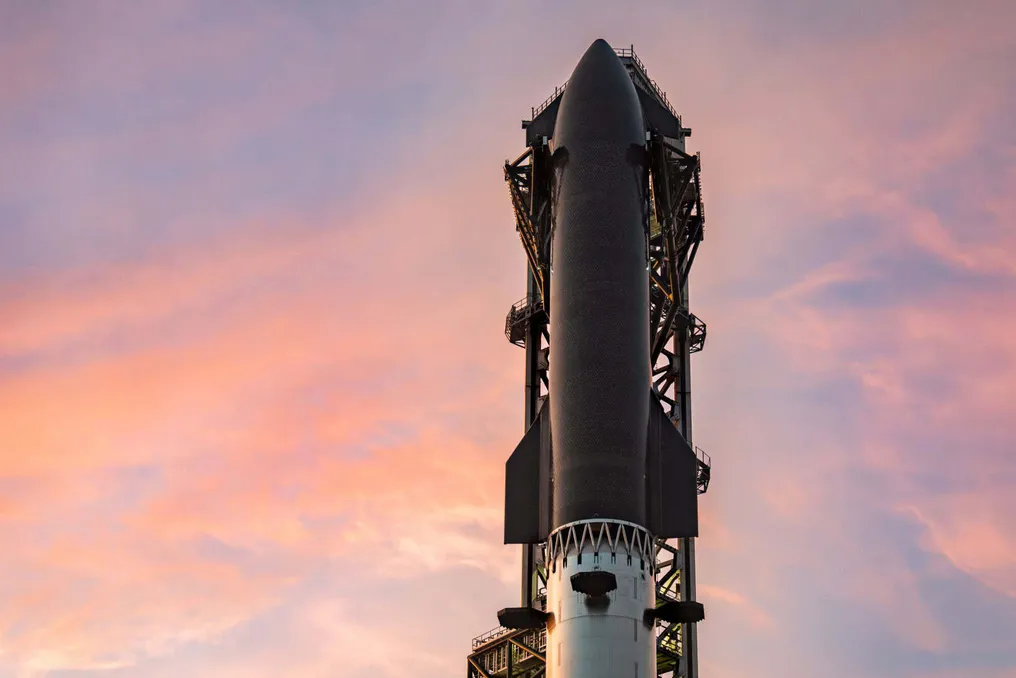
SpaceX has rescheduled the launch of the Starship rocket, which was set to be its 13th test flight. Initially scheduled for Thursday (23) at 7:45 PM Brasília time, the procedure was postponed by one hour due to bad weather at Starbase, located in Texas, USA. Subsequently, the company confirmed on X the new date for Friday (24), with a planned start time of 8:45 PM, maintaining the 90-minute window of previous schedules.
The previous week, SpaceX was unsuccessful in sending Starship into space for the thirteenth time. Although the launch followed protocol, it was automatically interrupted after the timer reached zero. Elon Musk, owner of SpaceX, communicated via X that the failure occurred because some of the engines did not ignite, and he informed that two engines would be replaced.
This new test flight aims to replicate the objectives of the previous mission, which marked the debut of the V3 versions of the Starship and Super Heavy vehicles. A novelty this time is the transportation, for the first time, of new generation Starlink V3 satellites. The main focus of the Super Heavy booster is to successfully complete all initial phases of the flight, including launch, ascent, stage separation, boostback burn, and landing on a maritime platform in the Gulf of Mexico.
To ensure success, the company implemented several modifications to both hardware and software to correct the issues detected in the previous test. Specifically, during stage separation in flight 12, small discrepancies in the ignition of the Starship engines caused an approximate 90-degree misalignment in the Super Heavy's rotation maneuver. To mitigate this, the engine ignition sequence was adjusted to be more robust against time variations and to ensure correct rotation with greater safety.
Additionally, in flight 12, after separation and the rotation maneuver, the Super Heavy began the boostback burn, but five of its 33 engines failed to reignite, forcing the premature termination of the maneuver. For the next flight, the booster received hardware improvements aimed at increasing engine reignition reliability, along with updates to alert and abort systems to better reflect flight conditions with multiple engines active simultaneously.
The Starship upper stage has three primary goals: placing 20 Starlink V3 satellites into suborbital orbit, reigniting a Raptor engine in space, and executing a controlled atmospheric reentry, followed by descent and splashdown in the Indian Ocean. SpaceX also made adjustments to the Starship's propulsion system to resolve the engine failure that occurred previously. In the past mission, about 40 seconds after separation, the craft lost one of its three Raptor engines optimized for vacuum, but managed to maintain the mission with one inoperative engine and achieved the planned suborbital trajectory. The company details that various operational and hardware changes have been implemented to address the causes of this problem, with additional reliability improvements expected for future Raptor engine versions.
For the first time, Starship will carry Starlink V3 satellites, designed to substantially expand the network's capacity and increase service speed for users. In this initial test, the craft should release 20 satellites. After separation, these will begin deploying solar panels and antennas to attempt to establish communication with the Starlink constellation through high-capacity lasers. The satellites will remain in Starship's suborbital trajectory and will be destroyed during atmospheric reentry, about 20 minutes after being released.
Six of the satellites were equipped with cameras capable of inspecting the Starship's heat shield during the flight, transmitting images to ground teams. The purpose is to continue evaluating methods for analyzing the heat shield's conditions for future missions where Starship will return to the launch site. As part of this experiment, several panels of the vehicle's thermal coating were painted white to simulate missing parts and serve as targets for the cameras.
In addition to satellite inspections, the mission will include various tests and experiments focused on the Starship's heat shield, continuing the development of a fully reusable vehicle with rapid preparation for new flights. Among the planned tests is the installation of multiple thermal panels on the metallic structure of the vehicle's rear fins, as well as the use of modified panels and new fastening mechanisms in the area of the heat shield covering the tail. The goal is to collect in-flight data on different fastening techniques. Starship will also use panels equipped with load sensors to measure the stresses supported by the heat shield during ascent. In this mission, the craft will face dynamic pressure higher than in previous flights, which will intensify stress on panel fastenings in exchange for higher orbital payload capacity.
The Starship flight history includes several milestones: Flight 1, in April 2023, resulted in an explosion while attached to Super Heavy, activating the self-destruct system due to engine failures. Flight 2, in November 2023, allowed for the initial separation of Super Heavy, but the booster subsequently exploded, leading to the loss of Starship before the flight concluded. Flight 3, in March 2024, lasted about 50 minutes and was considered a significant advance, despite the loss of the vehicle before the programmed landing.
In June 2024 (Flight 4), Starship achieved a controlled landing in the Indian Ocean, while Super Heavy landed in the Gulf of Mexico. In October 2024 (Flight 5), SpaceX successfully captured Super Heavy on the launch tower for the first time, and Starship also executed a controlled reentry. Flight 6, in November 2024, saw the booster achieve a controlled landing and the craft reignite an engine in space. Flight 7, in January 2025, ended with the loss of Starship after an explosion during testing. In March 2025 (Flight 8), the upper stage lost stability approximately eight minutes after launch and was destroyed. Flight 9, in May 2025, marked the first reuse of a Super Heavy, although failures prevented some planned experiments. In August 2025 (Flight 10), the mission achieved crucial objectives, such as satellite simulator tests, in-space engine reignition, and controlled reentry. Flight 11, in October 2025, successfully concluded the V2 phase of Starship, including the controlled landing of Super Heavy, the craft's reentry, and new operational tests. Finally, Flight 12, in May 2026, was the first test of the V3 version, presenting notable advances, such as the launch of simulators and two modified Starlink satellites. However, the Super Heavy booster suffered a failure during the return attempt because the engines did not reignite correctly after separation.