For those who need a laptop for both remote work and studies, having appropriate equipment makes a big difference. Models equipped with good processors and a generous amount of RAM can better manage multiple activities, allowing for internet browsing and software use without slowing down.
Asus Vivobook 15 Specifications
Olhar Digital conducted a detailed evaluation of an Asus model that incorporates an Intel processor and 16 GB of RAM. The specifications include a 15.6-inch screen with Full HD resolution (1920x1080) and a TN panel with anti-glare coating. It is equipped with an Intel Core i5-1334U processor and integrated Intel Iris Xe graphics.
Memory, Storage, and Power
In terms of memory, the laptop features 16 GB of RAM and storage options in 512 GB or 1 TB SSD. The battery has a capacity of 42 Wh and uses a 45 W charger. Available connectors are: one USB-C (data only), two USB 3.2, one USB 2.0, one HDMI port, a combined headphone/microphone jack, and a power supply input.
Build and Visual Quality
It is important to note that the Asus Vivobook 15 is not classified as a high-end laptop, which is visible in its construction. The body is made of plastic and weighs approximately 1.7 kg, a medium weight for devices with a 15-inch screen. It shows some resistance to minor shocks and features a hinge that allows up to 180-degree opening, aiding in adjusting the user's viewing angle.
The display offers good sharpness for browsing and watching videos due to the Full HD resolution. However, because it is a TN panel, there are limitations: colors and contrast may be distorted depending on the user's position, which slightly restricts the visual experience. Therefore, this model sacrifices more advanced components for a more accessible final cost.
Processor Performance
Internally, the device uses the Intel Core i5-1334U processor. Although it belongs to an older generation of the Intel portfolio, it demonstrates good performance in daily tasks, being fully capable for basic study and work. This more economical model does not include a dedicated graphics card, relying on the integrated Intel Iris Xe chip to handle the most demanding requirements. High performance in heavy gaming or video editing, engineering, architecture, or 3D modeling software should not be expected, as it was not designed for such purposes.
RAM and SSD Advantages
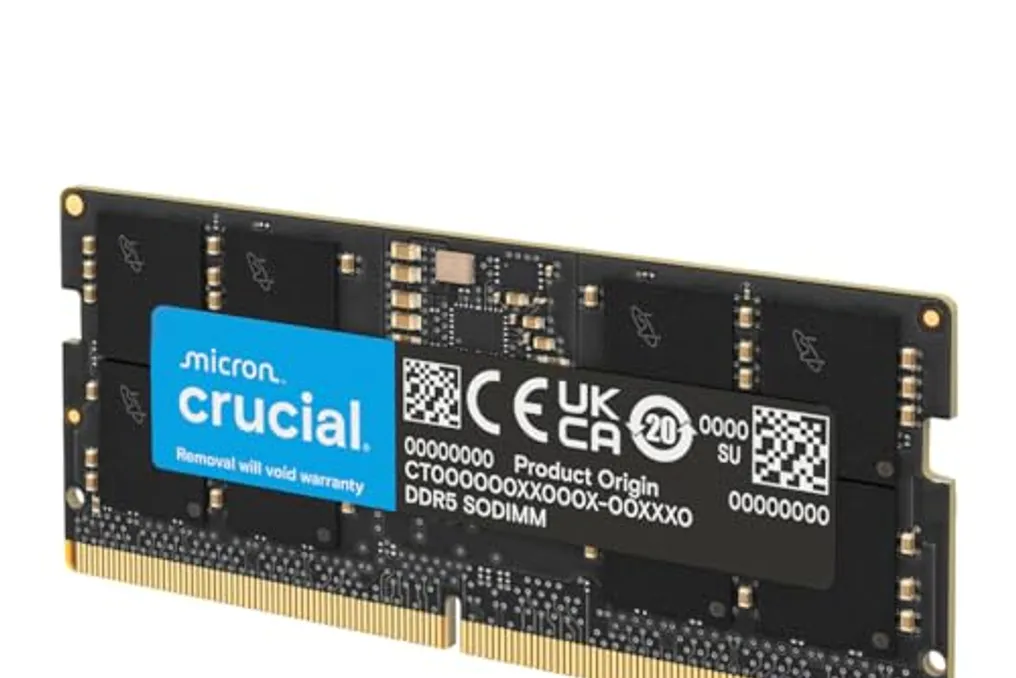
One of the biggest strengths of this model is the RAM, which comes with 16 GB, which is more than enough to manage several tabs, more demanding programs, and multiple simultaneous processes. Compared to cheaper laptops that often come with only 8 GB of RAM—an amount increasingly not recommended even for common activities—the Vivobook 15 is better prepared for prolonged use.
For file storage, there are 512 GB or 1 TB SSD options. If space becomes insufficient, storage can be expanded by adding another component to the laptop or using an external HDD. The inclusion of the SSD is a significant positive point, as this component is considerably faster than traditional HDDs, allowing the operating system to start in just a few seconds.
Additional Features
Considering the focus on studies and work, a webcam is essential in the current era of online classes and meetings. This Vivobook has an HD camera with acceptable quality for video conferencing, although it cannot capture images with a high level of detail. The microphone includes software to reduce background noise, ensuring the user's voice is clear. A notable privacy feature is the physical shutter that allows covering the webcam lens when it is not in use.
For peripheral connection, the Vivobook 15 offers an HDMI output, three standard USB ports, and one USB-C, the latter being exclusively for file transfer, without support for connecting external monitors or charging the device. Battery life is estimated at about five hours of moderate use, considering simple office tasks, browsing, and studying. Charging is done via a conventional power source, taking approximately 50 minutes to reach more than half charge.
Summary of Pros and Cons
This laptop combines a good processor with 16 GB of RAM, capable of executing daily tasks without freezing. Furthermore, the keyboard includes a numeric keypad, and the variety of connectors facilitates connecting different peripherals.
On the other hand, the TN panel technology is not the best available, and the battery life is not ideal. Another negative aspect is that the USB-C port is only for data transfer, which would limit the device's flexibility if it could support accessories or charging through this connector.
Usage Recommendation
The Vivobook 15 is recommended for users with basic to moderate needs, such as studying, web browsing, and home office that do not require complex software. It allows keeping several programs and windows open simultaneously, has a webcam adequate for video calls, and offers the possibility of storage expansion.
However, for those who need heavy tasks, such as image editing requiring color accuracy, or for gamers, this model will not be sufficient. Users in these areas should opt to connect an external monitor.