Apple released the first public beta version of iOS 27 on Tuesday, the 14th. This release allows users of compatible iPhone devices to participate in the testing phase of the new operating system, succeeding the initial stage intended for developers.
Features and Expectations of the Launch
The update can be installed free of charge by individuals enrolled in Apple's public testing program by accessing their device settings. Among the main highlights are a new iteration of Siri, modifications to the system interface, and various performance enhancements.
Although the official date for the final release has not yet been confirmed, Apple is expected to follow its usual schedule, making iOS 27 available between September and October. Until then, the company will use the testing period to identify any bugs and refine the user experience.
Innovations in Artificial Intelligence and Design
The most significant change in the new version lies in the evolution of Siri, which now demonstrates a deeper ability to understand conversation context and has greater integration with other applications. Furthermore, the digital assistant incorporates functionalities related to Apple Intelligence, which is the set of artificial intelligence tools developed by the company.
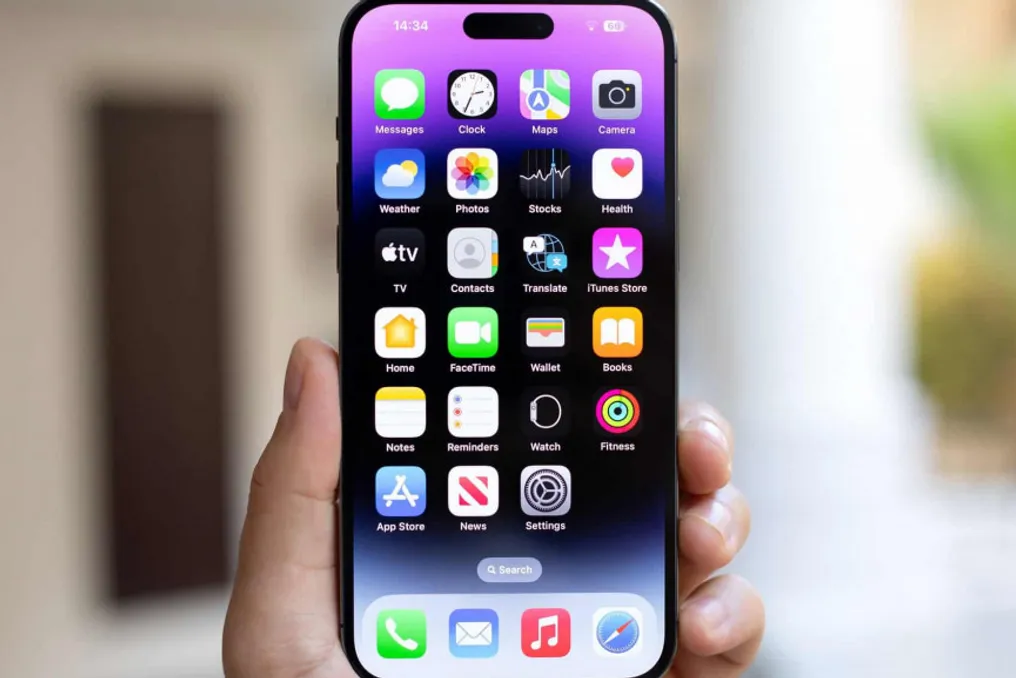
Visually, the system presents refinements to the Liquid Glass interface, along with new customization options for the Lock Screen. Native apps have also received minor adjustments, while general optimizations have been implemented to improve the overall functioning of the iPhone.
Warnings and How to Participate in Testing
As with any preliminary version, the public beta of iOS 27 may present instabilities during use. Apple warns, through the testing program guidelines, that experimental versions can cause issues such as crashes, incompatibility with certain applications, and increased battery consumption.
For this reason, it is strongly recommended that users perform a complete backup of all data stored on the device before installing the beta version. This precaution ensures the possibility of recovering information if it becomes necessary to revert to an older system version.
To sign up for the tests, the user must access the Apple Beta Software Program, log in with their Apple account, and subsequently open the Settings app on the iPhone. In the software update section, they need to select the beta update options and choose the public version of iOS 27 to start the download. If the option does not appear immediately after registration, it may be necessary to wait a few minutes or restart the device. Users who already use developer-targeted beta versions may not receive a new package, as the first public version essentially uses the same compilation previously released to this group.