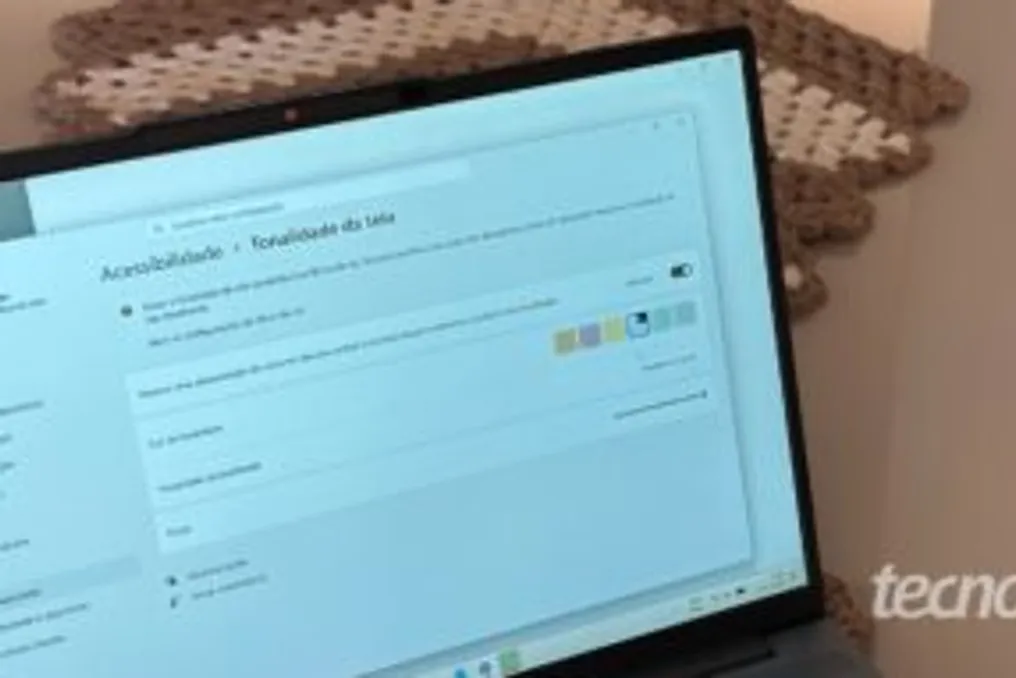
Windows 11 has received a new feature called Screen Tint, launched in July, which allows users to modify the monitor's color to different hues, such as blue, yellow, and amber. This feature was developed to mitigate eye fatigue.
Feature Objective
According to Microsoft, this tool helps soften eye irritation caused by long periods of exposure to intense and highly saturated screens. Essentially, it is an accessibility feature designed to reduce eye strain during prolonged monitor use, and it is also beneficial for individuals with increased light sensitivity.
Screen Tint works by applying the selected color uniformly across the entire screen, which serves to attenuate the strong brightness that usually emanates from the standard white background. Although it is possible to reduce screen brightness, this solution is not always sufficient, as the contrast between black text and a white background can still cause discomfort, even with low brightness.
Advantage over Brightness Reduction
Additionally, in certain situations, such as using the computer near a window with strong sunlight incidence, reducing brightness can make the screen excessively dark, hindering reading. Since the Screen Tint function alters the color of the light, the applied tone can be perceived as less 'aggressive' to the eyes, regardless of the brightness level reduction.
It is important to differentiate this feature from Night Light. While Screen Tint adjusts the color, Night Light causes the screen to adopt a warm (amber) tone at set times, preventing sleep disturbances if the computer is used at night.
How to Activate the Feature
To activate Screen Tint in Windows 11, the user must navigate through the Start Menu, access Settings, then Accessibility, and finally, Screen Tint. By default, the feature is disabled, and the corresponding button must be activated in the upper right corner.
After activation, one must choose one of the available tones: amber, pink, yellow, blue, green, or gray. There is also the option to create a custom tint through the 'View Colors' button. Furthermore, it is possible to define the intensity of the tint application in the Strength control. The text mentions that the yellow and gray tones were considered more comfortable, while pink was not pleasant.
It should be noted that Screen Tint is part of the features released in the final version of Windows 11, along with the July 2026 system updates. Another new addition is the ability to pause Windows Update updates for customized periods.